Can I use my phone to pay at a vending machine? Yes, and it usually takes about two seconds if the machine supports contactless or QR. Machines built in the last few years commonly accept NFC payments, and retrofits are now found in office lobbies, gyms, and transit stations. You don’t need coins or a plastic card for a quick snack. The contactless icon on the reader is your green light.
How phone payments work at a vending machine
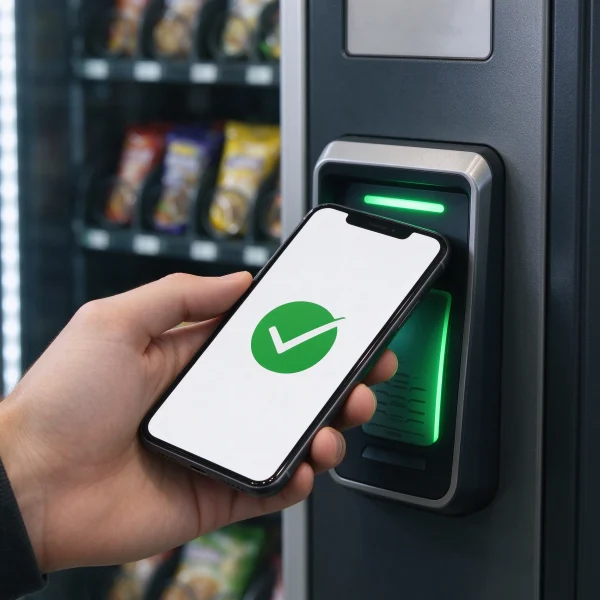
Tap-to-pay relies on NFC, a short-range radio signal. Your phone does the same job as a contactless bank card. The reader sends a request, your wallet app approves it, and the payment clears in seconds. You don’t need a separate app for each machine brand.
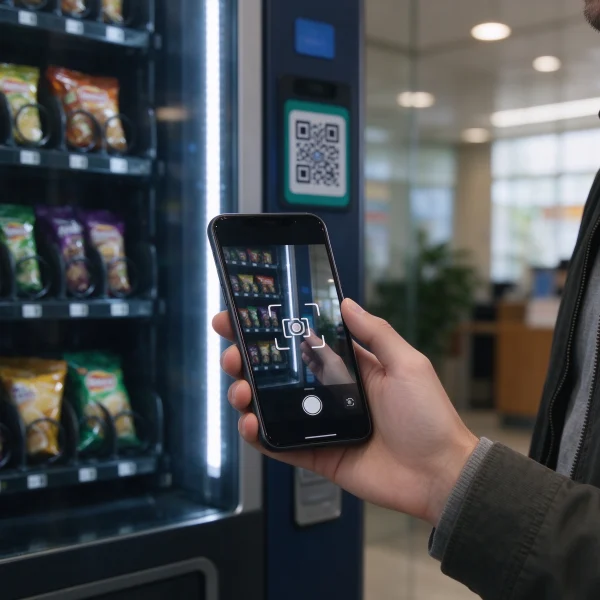
QR codes work differently. The machine shows a QR code and your phone camera scans it, or your wallet app generates a code that the machine reads. This setup is common in Asia and on older machines that lack NFC hardware.
| Payment method | How it works | What you need | Best for |
|---|---|---|---|
| NFC tap (Apple Pay, Google Pay) | Hold your phone near the reader | Phone with NFC, wallet app set up | Quick under $50 purchases |
| QR code scan | Scan the code on the machine with your camera | Camera, internet connection, wallet or payment app | Machines without NFC |
| Mobile app purchase | Pay in the app, then enter a code or scan a release QR | Vendor-specific app | Fleet machines, employee break rooms |
In my years servicing machines, the NFC reader saves more than money. It saves the I forgot my wallet moment. That alone sells a machine to building managers.
How to tell if a machine takes phone payments
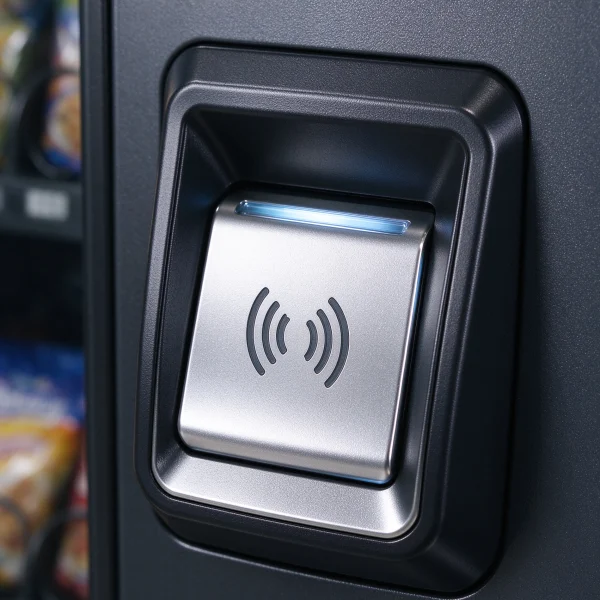
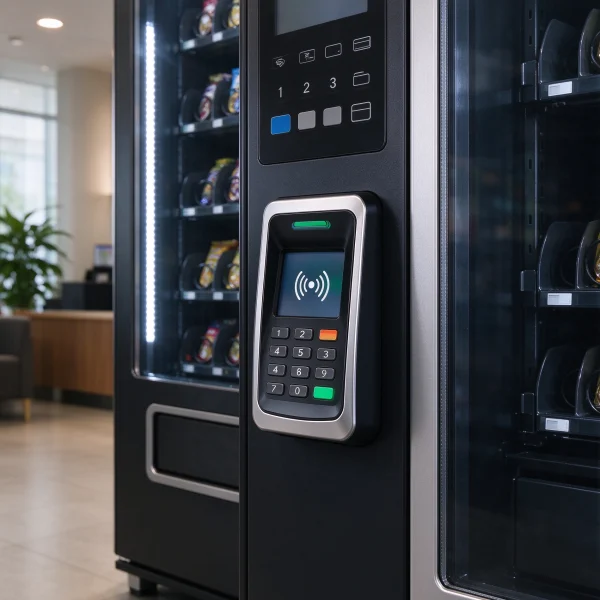
Look for the contactless icon: four curved lines that look like a Wi-Fi symbol turned sideways. Some machines show small Apple Pay, Google Pay, or a bank contactless logo near the card slot. A screen that reads tap to pay is a good sign too.
If you don’t see any symbols, check the screen. Many modern machines show a QR code when they’re idle. That means you can pay with a mobile wallet app that uses QR codes, even if the machine doesn’t have an NFC reader.
Step by step: Apple Pay and Google Pay
For iPhone users, double-click the side button, let Face ID or Touch ID confirm, and hold the top of the phone near the reader. For Android users with Google Wallet, unlock the phone and hold the back near the reader, or open the Wallet app first if nothing happens.
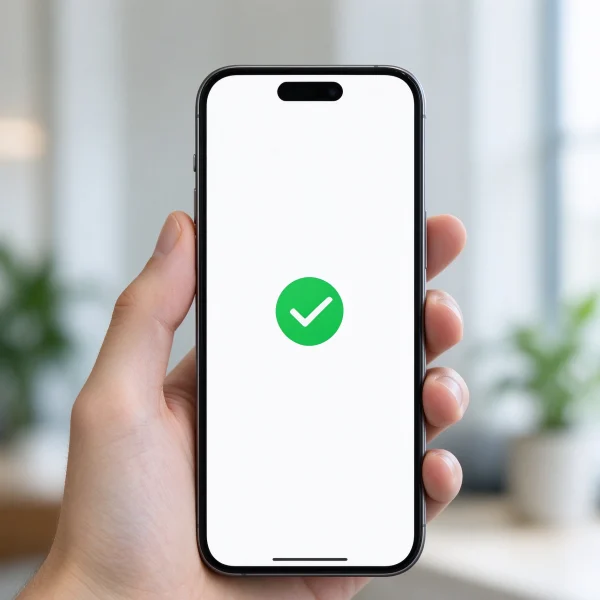
At a machine I service at a bus station, the reader sits at eye level. People tap too quickly and pull away. Keep the phone there for two or three seconds until you see a checkmark on the screen.
When the tap doesn’t work
Your first instinct is to blame the phone, but usually it’s the machine’s card reader. Some readers accept chip-and-PIN cards but not NFC. Others have NFC disabled because of a connectivity setting. Try a physical contactless card if you have one, just to see which side is the problem.
On the phone side, check that NFC is on and the default wallet is set. On iPhones, NFC stays on automatically. On some Android phones, you may need to enable it in settings. Airplane mode blocks NFC too.
If the machine offers a QR payment option, switch to that. QR codes don’t need NFC at all.
What about QR code payments?
QR payments are more common than many people think. In China, Alipay and WeChat Pay run a large share of vending transactions through QR codes. In the US, Cash App has appeared on some newer machines. You scan the code on the machine with your camera, confirm the amount in your app, and the machine releases the product.
It feels slower than tap-to-pay, but it works on machines that never got an NFC upgrade. As long as you have mobile data or Wi-Fi, you’re good.
What this means if you’re buying or running machines
If you’re on the operator side, phone payments are close to mandatory these days. People expect the same experience they get at a coffee shop. Machines without contactless still work, but they lose sales from the growing number of people who don’t carry cash.
Retrofitting an older machine with a card reader usually costs a few hundred dollars per unit. New machines from good suppliers ship with NFC readers as standard. That’s worth checking before you order.
When you compare suppliers, take a look at VendingCore’s vending machine ranking. You can see verified manufacturers side by side, read buyer reviews, and send inquiries directly. If a machine’s spec sheet doesn’t mention contactless or NFC, ask about it before you commit.
Related reading: our vending machine profitability guide covers how payment options affect margins. And if you’re sourcing from China, the coffee vending machine buyers guide walks through supplier costs and quality checks.
Quick recap
So, yes, your phone can pay for a vending machine snack in the majority of cases. The contactless icon is the fastest way to know. If there’s a QR code, that works too.
For operators, make contactless a checklist item when you buy or lease machines. It’s no longer a premium feature.
FAQ
Can I use Apple Pay at any vending machine?
No. Apple Pay works only on machines with an NFC contactless reader, usually marked with the same icon you see at checkout counters. If the machine doesn’t have that icon, the card reader may still accept chip cards but not phone taps.
Do vending machines accept Google Pay?
Yes, under the same conditions as Apple Pay. Any machine with an NFC reader accepts Google Wallet. You can also use Google Pay to scan QR codes in some setups, depending on the machine and the payment app.
Why does the reader say chip only on a vending machine?
Chip only means the card reader supports EMV chip cards but not the contactless radio. Your phone can’t tap to that kind of reader. You would need the physical chip card, or a QR option if the machine offers one.
Does tap-to-pay on a vending machine charge extra fees?
For you as the buyer, usually not. The machine’s price is the same whether you pay by cash or phone. Operators pay the card processing fee, which is why some older machines used to add a surcharge.
Can I pay with a QR code if I don’t have Cash App or Alipay?
In most cases, yes. QR vending systems either use a payment app like Cash App, or they accept a standard camera scan that links to your bank card. Look for instructions on the machine screen to see which app you need.
How do operators add contactless payment to an old vending machine?
Most older machines can be retrofitted with a card reader and a telemetry unit. The reader handles NFC and chip payments, and the telemetry sends transaction data over Wi-Fi or cellular. A distributor can usually install both in under an hour.
Is contactless payment safe on a vending machine?
Yes. The same tokenization used at retail terminals protects your card details on vending machines. Your 16-digit number is replaced with a one-time token, so the machine never stores your real card data.
Around 2020, the last big holdout in vending was the customer who still wanted to pay cash. Now the opposite is true. If a machine doesn’t show a contactless logo, younger customers walk away. From an operator’s point of view, the cost of upgrading is small compared with the sales you lose when you don’t.