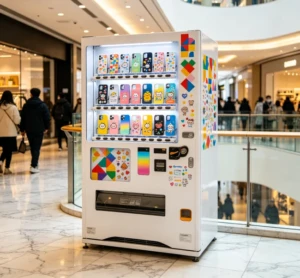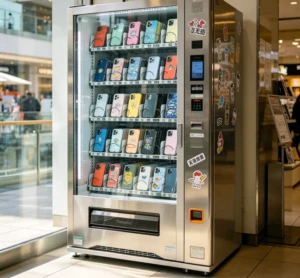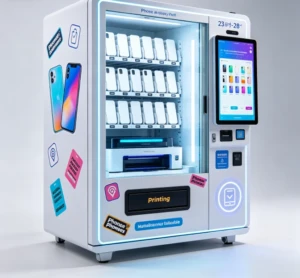
Automatic mobile cover printing machine technology now lets you take a blank case and deliver a finished custom print in under 10 minutes, with compact UV flatbed models priced near $3,000 and typical payback of 4-8 months. You’ll see these units in shopping malls and on tourist streets, often running next to a phone case vending machine that handles the customer-facing side while the printer works behind the glass. The operator only needs blank cases and ink, plus a few consumables, so stock stays lean. Small business owners use them to sell personalized designs at 300-500% margins instead of carrying dozens of pre-printed options.
What “automatic” actually means in a case printer
Most people picture a robot arm when they hear automatic. In this niche, the word usually refers to the printing process. The case handling stays manual on most units. The machine auto-aligns the case and adjusts the print head height, while handling UV ink curing. An operator loads a blank case, taps start, and the machine runs until it’s time to check the finished piece. Some floor units include a conveyor or a small robotic arm, but those are the exception.
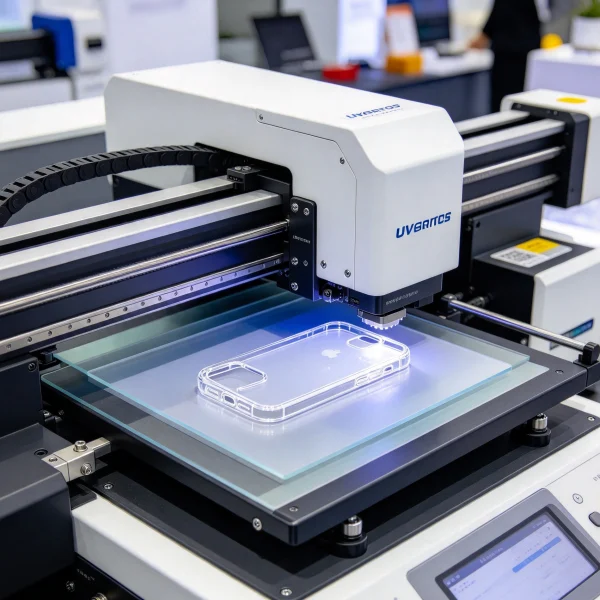
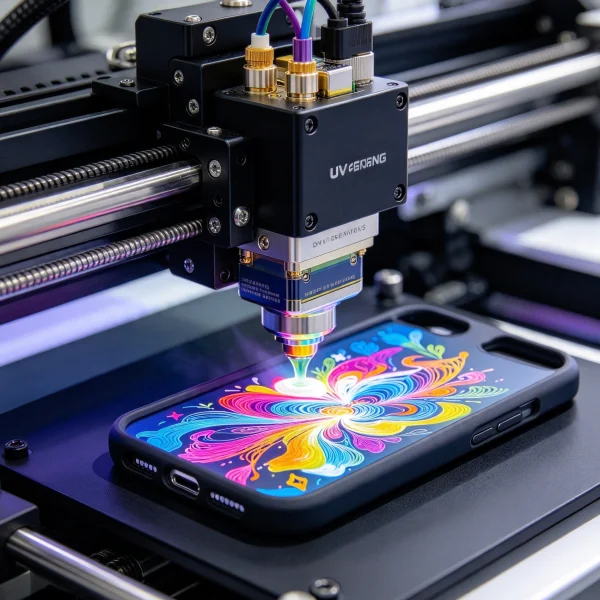
Two methods dominate: UV flatbed printing and 3D sublimation with heat transfer. UV printers spray curable ink directly onto the case and cure it with UV light. Sublimation uses a printed transfer sheet, wraps it around the case, and presses it in a heat chamber. For full-cover designs with photorealistic detail, UV gives you more control.
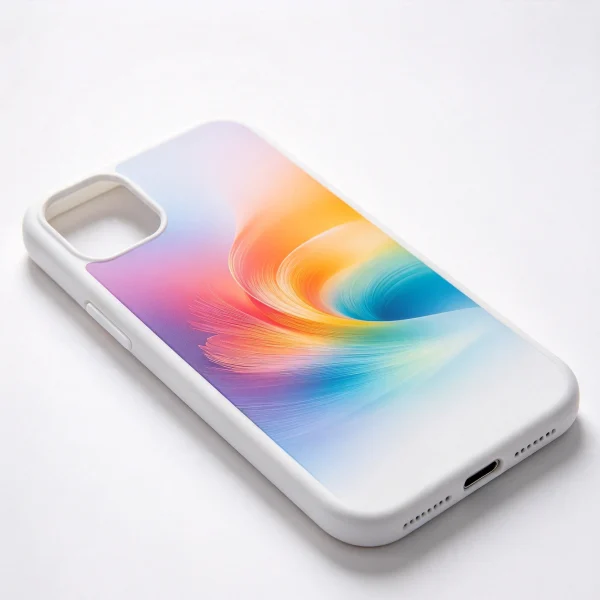
UV flatbed vs sublimation at a glance
| Method | Typical Cost | Print Time per Case | Best For |
|---|---|---|---|
| UV flatbed desktop (A4) | $2,800-$5,500 | 6-10 minutes | Mall kiosks and small shops |
| UV flatbed industrial (A3) | $8,000-$20,000 | 2-5 minutes | High-volume production |
| 3D sublimation + heat press | $1,500-$4,000 | 8-12 minutes | Budget starts and matte cases |
| DIY vending kiosk with integrated printer | $15,000-$35,000 | 5-15 minutes per order | Attended or semi-attended retail |
Pay attention to the ink cost. UV ink runs $180-$350 per liter, and a full case print might use 2-4 milliliters. That works out to roughly 50 cents to $1.40 of ink per case, which still leaves a solid margin when you sell at $15 or more.
Where this kind of printer earns its keep
Location matters more than the machine. A 15-minute print cycle in a busy mall can still be profitable because the margin is high. One printed case might sell for $15-$25 while the blank case and ink, plus power, cost under $5. At a tourist spot with 50-80 orders a day, gross margin can reach $1,000 daily.
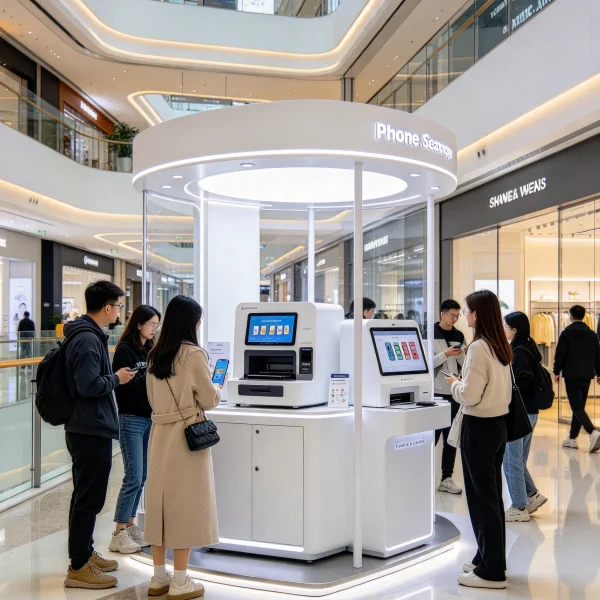
Some operators build a full self-service kiosk around the printer. Customers choose a case style, upload a design, pay at the screen, and wait while the printer runs. That setup reduces staffing pressure, and it’s the model behind many DIY phone case vending machine in Malaysia projects. The best spots are near cinemas and train stations, or outside school exits.
What a realistic cost setup looks like
Entry costs vary more than people expect. You can start with a desktop UV printer, a few racks, and a supply of blank cases. A floor-standing automatic case printer with higher throughput costs more, but you won’t need it until orders pile up.
| Scenario | Orders per Day | Average Price | Monthly Net | Payback Range |
|---|---|---|---|---|
| Side-hustle kiosk | 15-20 | $16 | $2,100-$2,800 | 4-7 months |
| Mall counter | 35-50 | $18 | $4,500-$6,500 | 5-8 months |
| High-traffic vending kiosk | 50-80 | $20 | $7,000-$10,000 | 6-9 months |
These figures assume a landed cost under $5 per case, ink and consumables included. If your location is slow, double the timeline, but that’s why testing first matters.
Building a vending setup around the printer
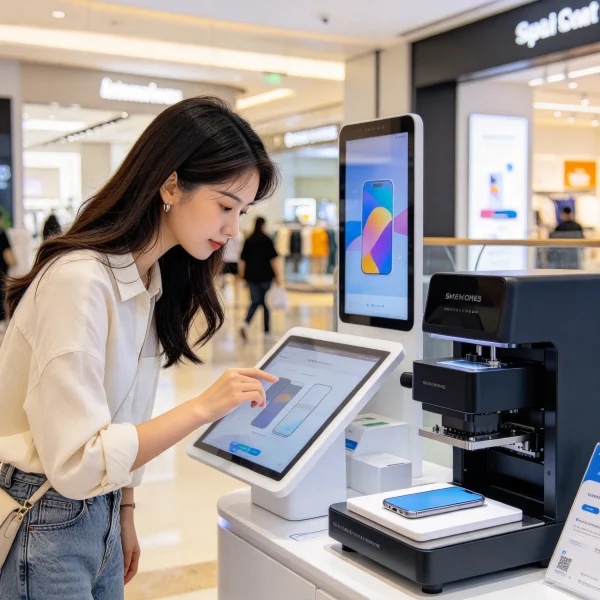
Automatic case printing works best as part of a system. The customer-facing side can be a vending kiosk screen or a tablet stand, with a counter as the simple fallback. The printer itself sits inside a locked compartment or behind a counter, with a window or camera so customers can watch the print happen.
You also need a reliable ink supply and an exhaust path. UV ink has a strong smell during curing, even with modern low-odor versions. Position the machine near airflow, and clean the print head according to the schedule the supplier gives you.
If you’re weighing a full vending system against a staffed counter, know that the vending route changes the revenue model. You trade lower labor costs for higher machine complexity and more downtime risk. Some operators run both, using the printer as a backup for their vending machines line when a unit needs repair.
How to choose a supplier without getting burned
The market in China has dozens of manufacturers, but quality varies wildly. You want an exporter that supports installation and training, plus reliable spare parts. A machine that costs 30% less is no bargain if a replacement print head takes six weeks to arrive.
On VendingCore’s supplier ranking, you can compare verified suppliers and read buyer reviews, then send inquiries directly. That removes the guess-and-pray approach from buying. Ask each supplier for a live video of the actual machine printing a phone case, not a promo reel.
Use the vending machines for sale buyer guide to cross-check typical price ranges. If a deal looks far below market, ask why. Most reliable suppliers answer technical questions about print heads and ink compatibility, plus daily duty cycles.
Also compare the business case. A printing kiosk doesn’t have to be your only revenue stream. Many operators pair it with other automated retail concepts you can evaluate in the machines that make you money guide. That diversification makes the payback less risky.
Last thoughts before you buy
This machine is not a passive income device. It needs daily cleaning and ink monitoring, plus regular test prints. But for a hands-on operator with a good location, the math is attractive, and the payback often lands between four and eight months.
Keep two spare print heads on hand if your supplier offers them. Test 10 blank case brands before you commit to one. Price your designs per device model, not as a flat rate. Use a surge protector and keep the area well ventilated.
Before you wire money to any seller, spend an afternoon comparing suppliers side by side. On VendingCore’s ranking, you can filter verified manufacturers and compare price ranges, then shortlist three to contact. It’s the fastest way to turn this guide into an actual purchase you won’t regret.
FAQ
What is an automatic mobile cover printing machine?
An automatic mobile cover printing machine is a flatbed digital printer that prints full-color designs directly onto phone cases. Most models use UV-curable ink, so the print hardens immediately without a separate drying step. Entry models start around $3,000, and industrial versions run from $8,000 to $20,000. The automatic label refers to registration and print-head positioning, plus ink management. It doesn’t mean cases feed themselves, so most small setups still need an operator nearby.
How much does it cost to start a phone case printing business?
You can start small for roughly $6,000: a $3,000 desktop UV printer, blank cases, ink, a laptop, and a heat-cure setup. A full self-service kiosk with an integrated printer costs $15,000 to $35,000. Most operators in malls spend between $8,000 and $18,000 for a counter setup. Remember to budget for rent and consumables, and keep at least one spare print head.
How long does it take to print one phone case?
Desktop UV printers average 6 to 10 minutes per case. Industrial A3 models finish in 2 to 5 minutes. Sublimation setups take 8 to 12 minutes because the transfer sheet must cool before pressing. The design complexity matters too. A case with a lot of white ink or multiple layers will take longer, so quote delivery times accordingly.
Can an automatic printer work inside a vending machine?
Yes. Several manufacturers integrate a UV printer into a phone case vending machine, so customers choose a case, upload a design, pay, and wait for printing to finish. Expect a 5 to 15 minute cycle per order. These integrated systems need more ventilation and regular maintenance, and they cost more than a standard vending machine. That trade-off can be smart in high-traffic locations.
What margin can I expect from printed phone cases?
A blank case costs $1.50 to $3.50, and a typical UV print uses under $1.50 of ink. Selling at $15 to $20 gives a gross margin of roughly 300-500%. Rent and labor eat into that, plus machine maintenance, but operators still report net margins between 35% and 55% in good locations. Most paybacks land inside 4 to 8 months.
How do I avoid buying a low-quality printer?
Ask for a live video call test with your own case design, not a factory demo. Check that print heads and dampers are available, and power supplies can be shipped within days. Read buyer reviews on a verified supplier directory before you pay. If a deal is 30% below market, treat it as a warning, not a bargain.
I’ve seen too many buyers fixate on the machine price and ignore the consumables. The ink, blank cases, print head lifetime, and even electricity add up to the real cost per case. When I started my first kiosk, I spent more on ink in the first month than the printer’s deposit. If you track those numbers from day one, you understand your payback far better. Buy from a supplier who shows you actual running costs, not just a fancy demo.