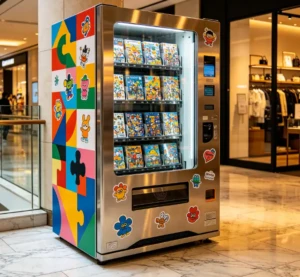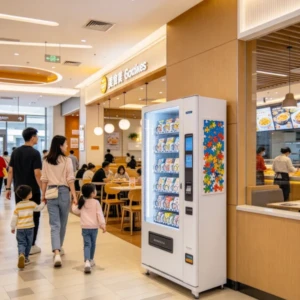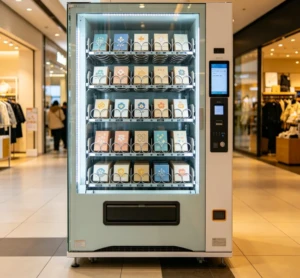
The seven things that decide whether a puzzle vending machine is worth buying are print resolution, cutting accuracy, cycle time, cost per puzzle, payment hardware, cabinet size, and the supplier’s spare parts policy. Machines in this category print a customer’s photo onto a blank board with a UV printer, cut it into interlocking pieces, and hand over a finished jigsaw puzzle in roughly three to six minutes. You’ll mostly find them in malls, museum gift shops, zoos, and tourist districts, anywhere people want something physical to take home. New units run about $9,000 to $18,000. Most of the regret we see comes from two places: a print engine that clogs, and a supplier who goes quiet when a part fails.
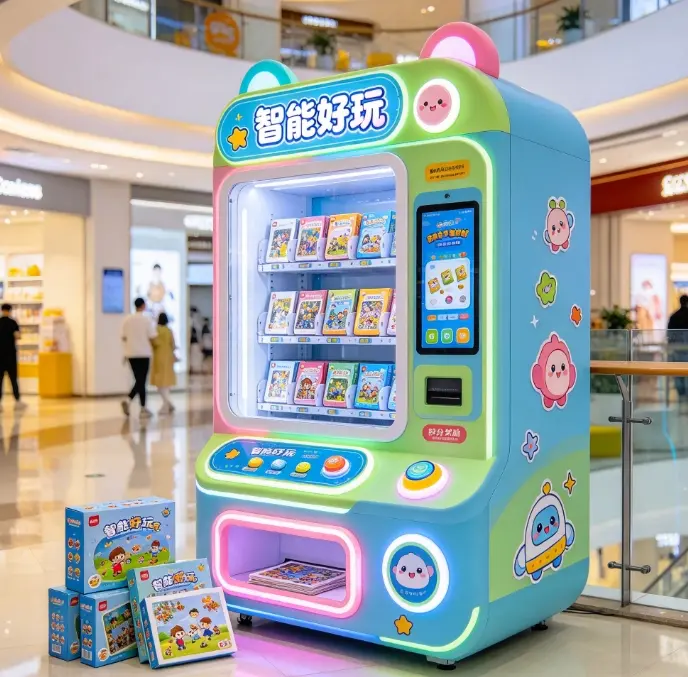
What a puzzle vending machine actually does
Buyers sometimes arrive expecting a capsule machine that drops out a boxed puzzle someone else made. The machines in this category work the other way, they make the product while the customer waits, so you’re buying a small factory rather than a dispenser. A typical run goes like this. The customer scans a QR code, uploads a photo from their phone, crops it on the touchscreen, and pays. The machine prints the image onto a coated puzzle board with UV cured ink, moves the board under a cutting head, and pushes the finished pieces into a box or sleeve.
That difference drives everything else on this page. A dispenser fails when a motor jams. A print and cut kiosk fails when a print head clogs, a blade dulls, or the printed image lands two millimeters off the cut line. Your maintenance budget and the questions you ask a supplier should follow the second list.
Most machines offer two or three piece counts, commonly around 48, 100, and 200 pieces, on A4 or A3 boards. Ask which combinations the unit can switch between without new hardware, because some ship with a single fixed die. If you want to see how different builders handle piece counts and board sizes, our custom puzzle vending machine guide goes deeper on that.
Print quality comes down to the print head
The photo is the product. If the print looks banded or washed out, nobody cares how fast the machine runs. Ask for the print head model by name. In this class of kiosk you’ll see Epson i3200 and DX5 heads, Ricoh Gen5 on the higher end, and unbranded heads on the cheapest builds. A named head means you can source a replacement and find a technician who has worked on that model before.
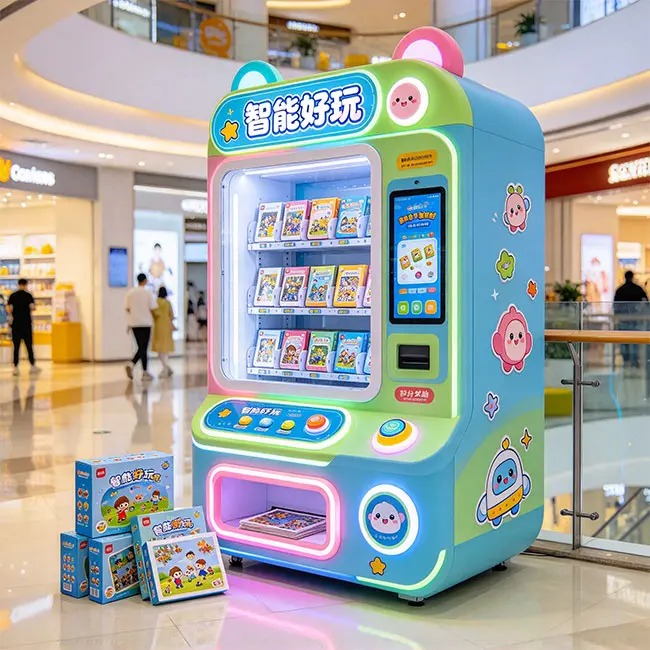
Resolution matters less than buyers expect. Anything at 720 x 720 dpi or above looks fine on puzzle board at normal viewing distance, and 1440 dpi mostly adds print time. The ink set and the curing matter more. Look for CMYK plus white, since white lets you print on colored boards, and check the rated life of the LED UV lamp. Lamps are usually rated around 10,000 to 20,000 hours and run a few hundred dollars to replace.
Then ask the question that separates factories from catalog resellers: what happens when the machine sits idle for two days? UV ink settles and nozzles dry out. A machine with a proper capping station and an automatic cleaning cycle survives a slow Tuesday. One without it needs a manual head cleaning every time the location has a quiet stretch, and enough of those will ruin the head.
The cutting unit, and why alignment beats speed
There are two cutting approaches and they suit different operators. Steel rule die cutting presses a physical die through the board in one stroke. It’s fast, consistent, and cheap per cut, but it locks you into the piece patterns the die was cut for. Drag blade cutting follows a plotted path, so you can vary piece counts and shapes from the software, at the cost of a slower cycle and a blade that wears.
Laser cutting turns up occasionally. It’s slow, it smells, and mall operators generally don’t want the ventilation problem, so it’s rare in retail placements.
The specification that actually matters is registration, meaning how the machine keeps the printed image lined up with the cut. Cheap units assume the board always feeds to the same position and cut on a fixed offset. Better ones read optical registration marks printed alongside the image and adjust the cut path to match. The first approach discards boards whenever the feed drifts, and that waste comes out of your margin.
Cycle time, and what it does to your queue
Ask for a full cycle time, then ask to see it on video. Spec sheets quote the print pass and quietly leave out the rest. A realistic cycle breaks down as 30 to 60 seconds for upload and crop, 90 to 180 seconds to print, 60 to 120 seconds to cut, and another 30 seconds or so to box and dispense. That puts a finished puzzle in the customer’s hands in three to six minutes.
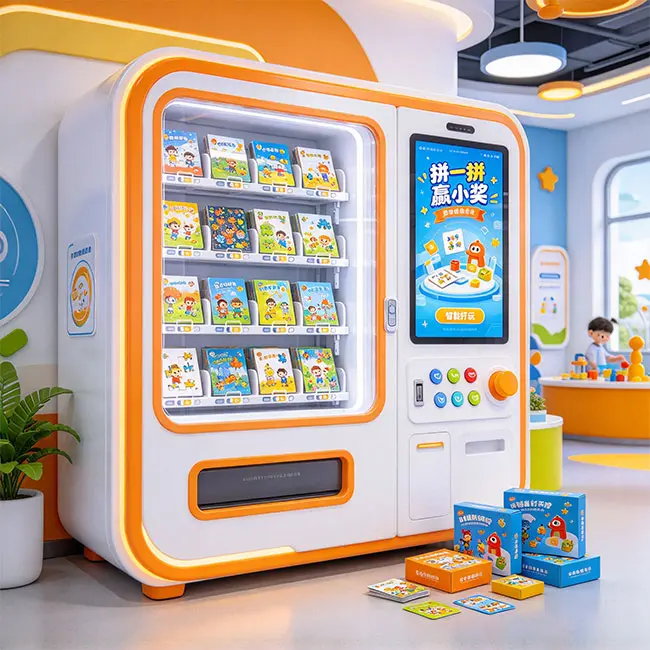
Three to six minutes is fine on a Saturday afternoon in a tourist mall, because people are already waiting for something. It’s a problem at a weekday lunch spot where the same person has eleven minutes and would rather walk away than risk it. Match the machine to the dwell time of the location, and ask the supplier what operators actually see in venues like yours.
Some units show a progress screen with an estimated wait, and a few send a text when the puzzle is ready so the customer can shop and come back. Those features sound minor. They’re the difference between a queue that holds and one that leaves.
Cost per puzzle, and whether the margin works
This is where most buyer’s guides go vague, so here are real ranges. These are consumable costs per finished puzzle at 2026 board and ink prices, for an A4 board around 100 pieces.
| Cost item | Typical range | What moves it |
|---|---|---|
| Blank puzzle board | $0.80 to $1.60 | Thickness, coating quality, order size |
| UV ink | $0.20 to $0.50 | Image coverage, white base layer |
| Cutting wear | $0.03 to $0.12 | Blade material, piece count |
| Box or sleeve | $0.40 to $1.00 | Printed box versus plain |
| Payment fees | 2.5% to 3.5% of sale | Provider, card mix |
| Total per puzzle | $1.50 to $3.20 | Mostly board quality and order volume |
Custom photo puzzles sell for about $15 to $30 depending on the venue, with $18 to $25 being the common band. After consumables and payment fees, that leaves a gross margin of roughly $14 to $22 per puzzle.
Now the part that decides whether you buy at all. Say you average six puzzles a day at a $20 margin. That’s around $120 a day, or roughly $3,600 a month before fixed costs. Mall rent for a kiosk footprint runs anywhere from $500 to $1,500 a month, and you should hold back another $100 to $200 for connectivity and a maintenance reserve. Net lands somewhere around $1,800 to $2,600 a month. On a $12,000 machine that’s a payback of roughly five to seven months. A strong tourist location beats that. A quiet suburban mall can double it, which is why we tell operators to secure the location before they buy the machine. If you want the same math applied across categories, our breakdown of what is the most profitable vending machine uses it too.
Machine price is the other half. New units sit between $9,000 and $18,000, with Chinese built machines at the lower end and European or US assembly at the top. Used machines turn up around $4,000 to $8,000, usually one or two years old, and you inherit whatever print head condition the previous operator left behind. Our guide to how much a custom vending machine costs breaks down where the money goes, and if a secondhand unit is tempting, read used vs new vending machine first. With a used print head, the saving usually disappears the first time it needs replacing.
Payment hardware, and the small things that lose sales
Cashless is the default in 2026, and most of these kiosks run a Nayax or PAX reader. Ask which model, then ask whether the payment board speaks MDB, the serial protocol vending machines have used for years. MDB support means you can swap the reader later without rewiring the machine, which matters because payment providers change and you don’t want to be locked into whatever the factory fitted.
Check that contactless, chip, and mobile wallets are all enabled. Apple Pay and Google Pay aren’t optional in a mall where half your customers left their wallet in the car.
Then ask about failure handling. Prints fail sometimes, a board misfeeds or a nozzle clogs mid image. You need a refund path a staff member can trigger from the screen, plus either a receipt printer or an email receipt option. A customer who pays $20, watches the machine fail, and has no way to get their money back will leave a review, and that review will outlast the machine.
Cash is worth a thought if your location skews older or you’re placing in a market where cards are less common. A bill validator adds a few hundred dollars plus a cassette someone has to empty, so most mall operators skip it.
Software, photo upload, and connectivity
The photo has to get into the machine somehow, and there are three common routes. QR upload is the most popular, the customer scans a code, uploads from their phone, and the machine pulls the image down. USB and Bluetooth work without internet but add friction. A few machines carry a library of stock designs the customer can pick instead.
QR upload means the machine needs a connection. Ask what happens when the WiFi drops, because in a mall it will. A sensible unit falls back to stock designs and queues the upload, or at least keeps taking card payments offline and reconciles later. We wrote a separate piece on whether vending machines need WiFi that covers the options and the monthly cost.
Beyond that, look at the operator dashboard. You want daily sales counts, consumable levels, and error alerts pushed to your phone rather than discovered on a site visit. Over the air software updates save you from driving out to swap an SD card. And since customers upload their own photos, ask whether there’s any content moderation, because you’re the one who has to explain the output to mall management.
Language matters more than buyers expect. If your staff and your customers don’t read the factory’s default language, get confirmation that the interface ships in English or your local language, and that the manual does too.
Cabinet, weight, and getting it through the door
These machines are heavy, and delivery is where buyers get surprised. Expect roughly 1 to 1.5 square meters of footprint and 250 to 400 kilograms. Measure the service corridor and the door at your location before you order, then compare that against the crated dimensions the supplier gives you rather than the assembled ones.
On build, look for 1.5 to 2 mm cold rolled steel, tempered glass instead of acrylic, and a multi point locking bar instead of a single cam lock. Castors help during install and leveling feet help afterward, so ideally you get both. Power is usually a standard 110V or 220V circuit drawing 10 to 15 amps, but confirm the plug type for your country before the crate ships.
One more question worth asking: how long the manufacturer expects the machine to last, and what wears first. Cabinets typically run eight to ten years, while print heads and cutting blades sit on a much shorter cycle. Our guide on how long a vending machine lasts covers the replacement intervals, and what it costs to maintain one puts numbers on the annual spend.
The supplier questions that matter more than the spec sheet
Most puzzle printing kiosks are built in China. That isn’t a reason to walk away on its own, but the support models vary enormously, and this is where a cheap machine turns expensive.
Ask these before you send money:
- Is the supplier the factory or a trading company? Ask for a video walkthrough of the production floor.
- What does the warranty cover, for how long, and does it include labor or parts only?
- How are spare parts shipped, and what’s the realistic delivery time to your country?
- Can you get the full spare parts price list before you buy?
- Are there two or three operators in your country you can call?
- Which certifications ship with the machine? You’ll want CE for the EU, and UL or ETL plus FCC for the US.
Our checklist on how to find a reliable vending machine supplier covers the vetting in more detail, and if you’re weighing a Chinese build specifically, are Chinese vending machines reliable is the honest version of that question. If you’re considering building one yourself instead of buying, the DIY puzzle vending machine route is a different project entirely and worth reading before you commit.
Where VendingCore fits in your search
VendingCore is a vending machine information and supplier directory platform. We don’t build or sell machines. What the platform does is let you compare verified suppliers side by side, read reviews from other buyers, check price ranges for a given machine type, and send an inquiry straight to the suppliers you shortlist.
In practice that means you can open the puzzle vending machines category, pull up three or four suppliers who build this type of kiosk, and send the same set of questions to all of them. Include your country, your available voltage, whether you have a location lined up, and how many puzzles a day you expect. Suppliers answer very differently when the question is specific, and four responses side by side tell you more than any single spec sheet.
A checklist to send with your inquiry
Copy this into your message. The suppliers who answer all ten are usually the ones worth buying from.
- Print head model and dpi
- Cut method, and which piece counts the machine supports without new hardware
- Full cycle time, shown on video
- Consumable cost per puzzle, with part numbers
- Payment hardware model, and whether the board supports MDB
- Warranty length, coverage, and the spare parts price list
- Certifications for my market
- Crated dimensions, weight, and power plug type
- Dashboard features, interface language, and offline behavior
- Two operator references in my country
Before you commit
The pattern we see with operators who regret a purchase is consistent. They bought on price, skipped the questions about the print head and the spare parts list, and found out what the machine actually needed after it was already installed in a mall with rent running. The operators who do well usually spend two extra weeks comparing four suppliers and asking about downtime rather than features.
If you’re at that stage, VendingCore is built for exactly this step. Browse the puzzle vending machine suppliers, read what other buyers reported, and send your checklist to three or four of them. The differences show up fast once everyone is answering the same questions, and you’ll know within a day which ones have actually placed machines in a market like yours.
FAQ
How much does a puzzle vending machine cost?
New machines run about $9,000 to $18,000 depending on where they’re built and which print engine they use. Chinese built units sit at the lower end, European and US assembled machines at the top. Used machines turn up around $4,000 to $8,000, but you inherit the print head condition, and the head is the part that fails first. Budget another $2,000 to $4,000 for shipping, duty, and installation. On VendingCore you can compare what several suppliers quote for the same specification, which tells you quickly whether a price is reasonable.
How long does it take to make one puzzle?
Three to six minutes for a standard A4 board, split between upload and cropping, the UV print pass, the cut, and boxing. Ask for a video of a full cycle rather than trusting a spec sheet, since suppliers often quote only the print time. Cycle time matters most at locations with short dwell times, where customers won’t wait around.
Do puzzle vending machines need WiFi?
Most do, because the common setup has the customer scan a QR code and upload a photo from a phone, which needs a live connection. Ask what the machine does when the connection drops, since mall WiFi does drop. A well built unit falls back to stock designs or keeps taking payments offline and reconciles later.
What profit margin can you expect from a custom puzzle machine?
Consumables run about $1.50 to $3.20 per puzzle, and custom puzzles sell for $15 to $30, with $18 to $25 being typical. That leaves a gross margin of roughly $14 to $22 per puzzle. At six puzzles a day and $20 of margin, after rent and fees, most operators net $1,800 to $2,600 a month, which pays back a $12,000 machine in about five to seven months.
Should you buy a used puzzle vending machine?
Only if you can inspect the print head and see a recent test print. The cabinet and the cutting unit age slowly, but a UV print head that sat idle without proper capping may be permanently damaged, and a replacement costs a real share of what you saved. Ask for the head’s service history and a nozzle check pattern before paying.
What piece counts should the machine offer?
Look for at least two options, commonly around 48 and 100 pieces, ideally with a 200 piece option for older customers and serious puzzle buyers. A4 is the standard board size, with A3 on some machines. The risk is buying a unit with a single fixed die, which limits you to one piece count unless you buy more tooling later.
Where is the best place to put one?
Locations with high foot traffic and long dwell times: malls, museum and zoo gift shops, aquariums, tourist districts, and family entertainment centers. You’re selling a keepsake, so places where people are already in a spending and memory making mood convert far better than transit hubs or office lobbies, where nobody has time to wait five minutes.
The machines that get returned aren’t the ones with the worst specifications. They’re the ones bought from a supplier who answered every question except the one about downtime. I tell operators to ask a single thing before they buy: when my print head fails in month nine, who ships the part, how long does it take, and what does it cost me. A supplier who answers that in writing is worth more than a machine with better dpi numbers, because print quality sells the first puzzle and uptime sells everything after that.