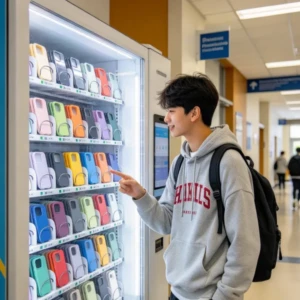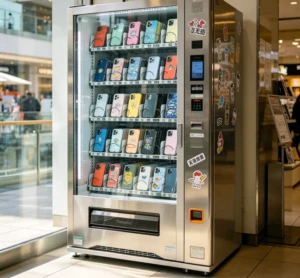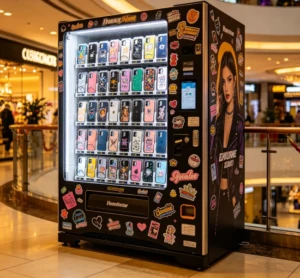
A phone case printing vending machine is a self-service kiosk that lets customers design, print, and receive a custom phone case in under 5 minutes, with most models completing the entire process in just 2 to 3 minutes. These machines combine a touchscreen design interface, a high-resolution UV printer, and a heated curing chamber inside a single, compact unit. You walk up, pick your phone model, upload a photo or choose a template, and the machine does the rest — no store staff, no waiting for shipping, and no minimum order.
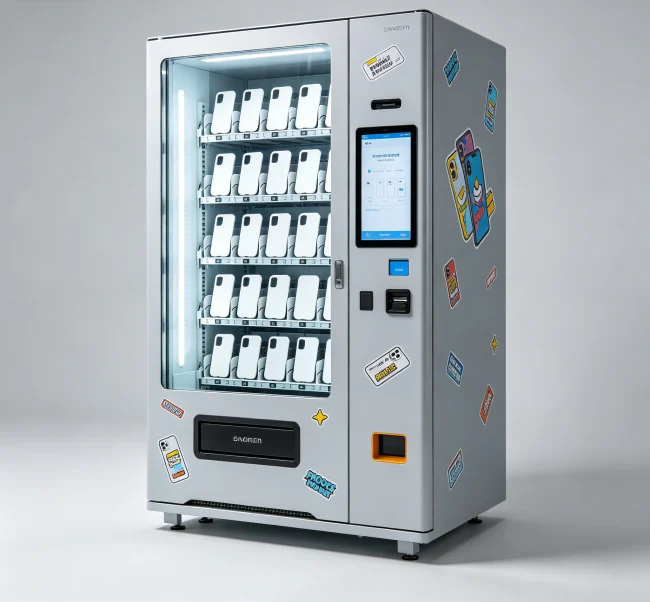
The concept isn’t just a novelty. In 2025, the global custom phone case market is projected to exceed $15 billion, and these machines are popping up in malls, airports, and tourist hotspots worldwide. They solve a real problem: people want personalized products, but they want them now, not in a week.
So, what exactly makes these machines tick? Let’s break it down.
The Core Technology: How It Actually Works
At its heart, a phone case printing vending machine is a miniaturized, automated print-on-demand factory. The key components are:
💡 Key Tip: Don’t assume all machines use the same print quality. Always ask for sample prints before buying — a cheap UV print can peel within weeks.
Why Businesses Are Investing in These Machines
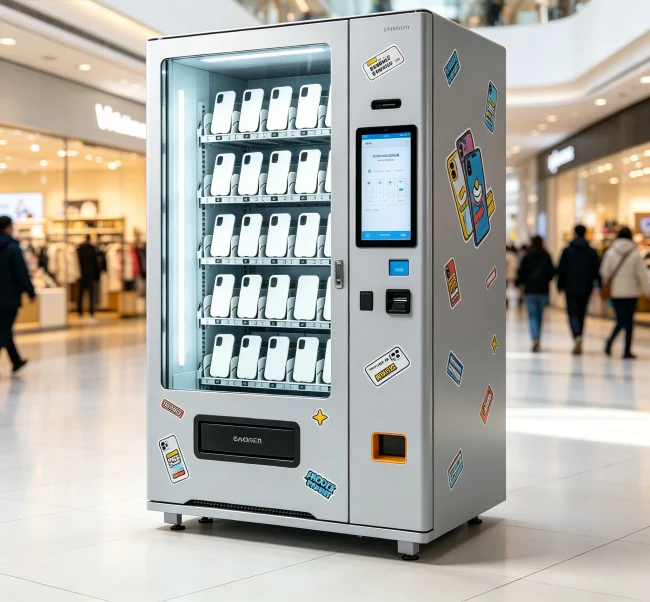
The appeal goes beyond “it’s cool.” There’s a solid business case.
First, the profit margins are significant. A blank phone case costs the operator between $1.50 and $4.00. The machine sells the finished custom case for $15 to $35. That’s a gross margin of 80% to 90%, even after factoring in ink and electricity. Compare that to a traditional retail store, where margins on accessories are often 40% to 50%.
Second, foot traffic generates impulse buys. In a busy mall, a well-placed machine can run 20 to 40 transactions per day. At an average sale of $20, that’s $400 to $800 daily revenue from a device that takes up less than 10 square feet.
Third, operating costs are low. You don’t need an employee to run it. Remote monitoring software alerts you when ink is low or a case is jammed. Most operators service their machines once or twice a week.
Where Do You Put One? (Location Strategy)
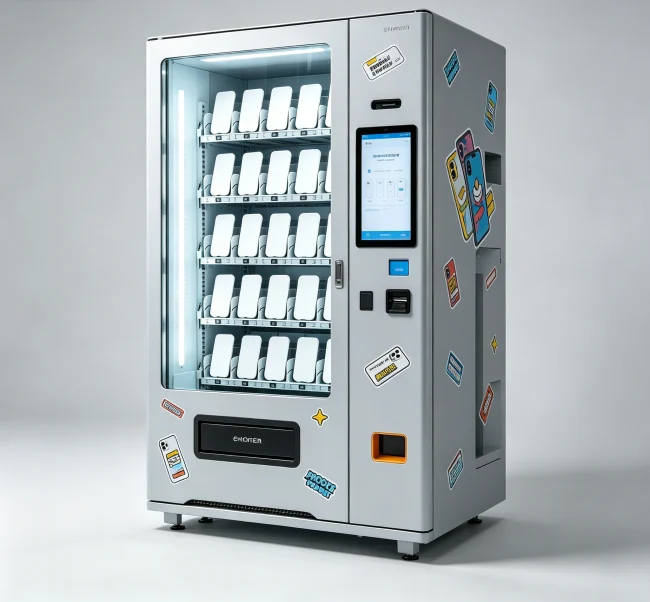
Location is everything. A machine in a low-traffic hallway will fail. A machine next to a cinema exit or a food court seating area can print money.
Best locations (ranked by average daily transactions):
| Location Type | Avg. Daily Transactions | Why It Works |
|---|---|---|
| Major Shopping Malls (high-traffic zones) | 25–45 | High dwell time, impulse buyers, families |
| Tourist Attractions & Theme Parks | 20–35 | Visitors want souvenirs; high willingness to pay |
| Airport Terminals (near gates) | 15–25 | Captive audience, “I forgot my charger/case” crowd |
| University Campuses & Student Centers | 10–20 | Students love personalization; lower price sensitivity |
| Movie Theaters (lobby or exit) | 10–18 | Post-movie excitement; couples and groups |
💡 Practical Advice: Avoid placing a machine in a standalone kiosk in the middle of a walkway. People need a wall or column nearby to feel comfortable standing and designing for 2 minutes.
What Does It Cost to Get Started?
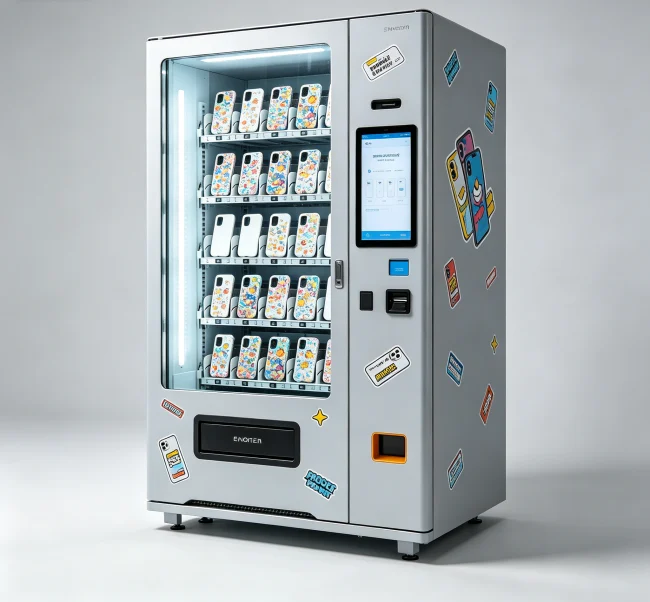
This is the million-dollar question. Prices vary wildly based on brand, print quality, and included software.
Price breakdown for a commercial-grade machine (2025–2026):
Don’t forget the ongoing costs:
💡 Caution: Beware of “all-in-one” packages that include a machine, cases, and ink for a flat fee. You often end up paying 2x the market price for consumables.
The Hidden Challenges (What Nobody Tells You)
Let’s be real — it’s not all profit and fun. There are operational hurdles.
Software glitches are the #1 killer. The touchscreen interface freezes. The design app crashes mid-upload. If the software isn’t rock-solid, customers walk away frustrated, and they won’t come back. Always test the software on a live machine before buying.
Case supply chain is tricky. You need to stock the 10 to 15 most popular phone models. But phone models change every year. If you overstock last year’s iPhone 15 cases when everyone wants the iPhone 17, you’re stuck with useless inventory. Smart operators use just-in-time ordering or partner with a supplier who offers a “case exchange” program.
Print quality degrades over time. UV print heads need regular cleaning. Ink can dry and clog nozzles. A machine that prints perfectly in month one might produce faded, streaky prints in month six if maintenance is neglected. You need a supplier that offers training and remote diagnostics.
Who Makes These Machines? (And How to Choose)
The market has a few established players and many newcomers. When evaluating a supplier, look for:
One company that consistently meets these criteria is VendingCore. They focus on building machines with industrial-grade components and offer comprehensive after-sales support, including remote diagnostics and a dedicated account manager. If you’re evaluating options, it’s worth reaching out to them for a detailed comparison.
💡 Key Takeaway: Don’t choose a machine based solely on price. The cheapest machine often has the worst software and support, which will cost you more in lost revenue and downtime.