Home / Phone Case Vending Machine / Where to Buy Phone Case Printing Vending Machines in USA | 2026 Buyers Guide

Where to Buy Phone Case Printing Vending Machines in USA | 2026 Buyers Guide

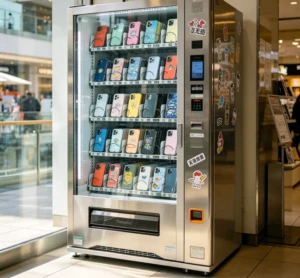
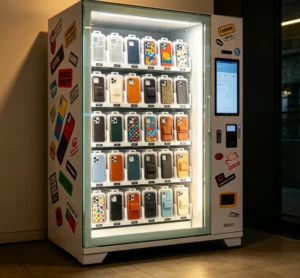
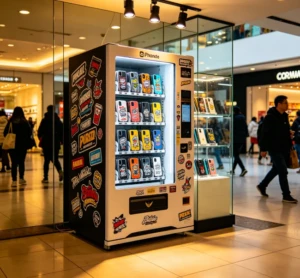
Looking to buy a phone case printing vending machine in the USA? You’re likely facing a market where prices range from $8,000 for basic models to over $35,000 for commercial-grade units, with most buyers spending between $12,000 and $20,000 for a reliable, production-ready machine. These kiosks let you print custom phone cases on demand—customers pick a design, the machine prints it in minutes, and you pocket the profit.
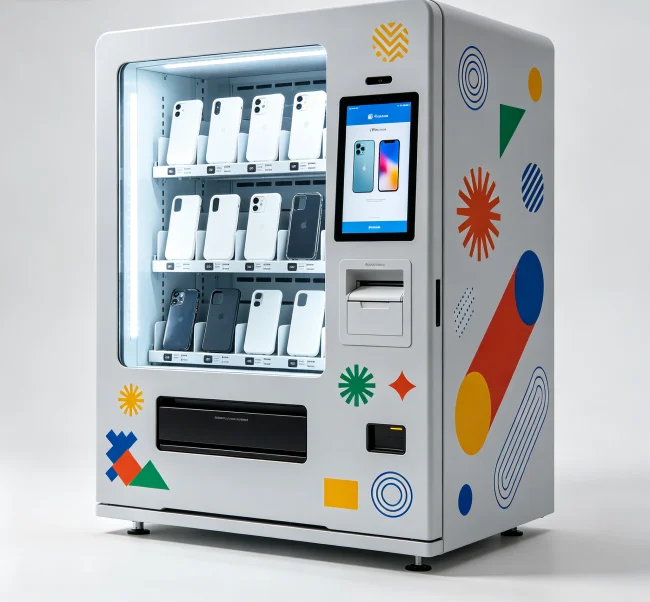
where to buy phone case printing vending machines in USA

The real challenge isn’t just finding a machine, though. It’s finding one that actually works, comes with solid support, and won’t leave you stranded when something breaks. Trust me, I’ve seen too many entrepreneurs jump at a cheap price tag only to end up with a paperweight six months later.

So let’s cut through the noise. Here’s exactly where to buy these machines in the US, what to look for, and what most sellers won’t tell you.

The Shortlist: Best Places to Buy Phone Case Printing Vending Machines in the USA

Alright, here’s the deal. There are a handful of legitimate sources, but they’re not all created equal. Let me break them down.

1. Direct from Manufacturers (Most Common Route)

This is where most serious buyers end up. You’re cutting out the middleman, which usually means better pricing and direct support. The catch? Many of these manufacturers are based overseas—China, mostly—so you need to vet them carefully.

Look for companies that:

  • Have a US-based warehouse or distribution partner
  • Offer English-language support during US business hours
  • Provide clear warranty terms (12 months is standard for quality machines)
  • Can share real customer references, not just stock photos
  • Some established names in this space include VendingCore, which offers a range of commercial-grade phone case printing kiosks with US-based support and installation assistance. They’re worth a look if you want something that’s battle-tested rather than experimental.

    2. Specialized Vending Machine Distributors

    A few US-based distributors have started carrying these machines. The upside? You get local support and often a demo unit you can see in person. The downside? You’re paying a markup—sometimes 20-30% over factory pricing.

    Companies like PrimeTime Amusements and some regional vending distributors occasionally stock these, but availability is spotty. Call ahead.

    3. Online Marketplaces (Amazon, eBay, Alibaba)

    Yeah, you can find them here. Should you buy one this way? That’s trickier.

    Amazon and eBay offer buyer protection, which is nice. But you’re rolling the dice on quality. Many listings are just resellers with no technical knowledge. Plus, you’re not getting the pre-sale consultation that helps you pick the right machine for your specific business model.

    Alibaba is a mixed bag. You can find factory-direct pricing, but you’re on your own for shipping, customs, and setup. And if something goes wrong? Good luck getting a replacement part shipped in under three weeks.

    💡 Practical Advice: Avoid buying from unverified third-party sellers on marketplaces for your first machine. The savings aren’t worth the headache when you’re trying to launch a business.

    What to Look for in a Phone Case Printing Vending Machine
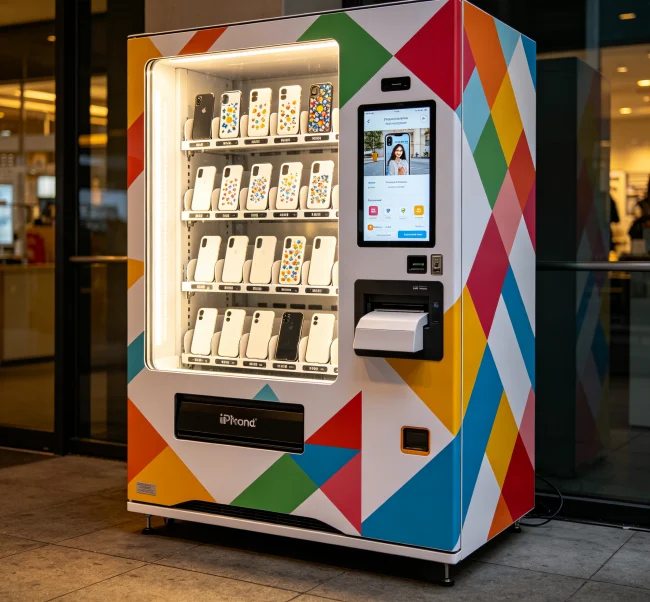
    What to Look for in a Phone Case Printing Vending Machine

    You’ve got the sources. Now, here’s what separates a good machine from a bad one.

    Printing Technology: UV vs. Sublimation

    This is the big one. Most commercial machines use UV printing—it’s fast, durable, and works on any phone case material. The ink is cured instantly with UV light, so cases come out dry and ready to sell.

    Sublimation is cheaper but limited. It only works on polyester-coated cases, and the colors can fade faster. For a vending machine, UV is almost always the better choice.

    Key Specs That Actually Matter

    Don’t get distracted by flashy marketing. Focus on these numbers:

  • Print speed: Look for 3-5 minutes per case, max. Anything slower will frustrate customers.
  • Resolution: 1200 dpi or higher for sharp, professional-looking prints.
  • Supported phone models: Does it cover the latest iPhones and Samsung Galaxy phones? What about cases for older models?
  • Ink cost per case: This is your ongoing expense. Aim for under $1.50 per case in ink costs.
  • Machine footprint: You need something that fits your location. Most commercial units are about 4-5 feet wide and 6 feet tall.
  • The Hidden Costs Nobody Talks About

    Here’s what most sales pages won’t tell you.

    Beyond the machine price, you’ve got:

  • Shipping and installation: $500-$2,000 depending on location
  • Initial inventory: You’ll need blank cases in various models. That’s $1,000-$3,000 upfront
  • Software licensing: Some machines require monthly fees for the design software
  • Maintenance: Budget $50-$100 per month for parts and service
  • Insurance: Don’t skip this. A machine in a mall or store can be a liability
  • 💡 Key Tip: Ask the seller for a total cost of ownership breakdown before you commit. A $10,000 machine with $2,000 in monthly consumables is way different from a $15,000 machine with $500 in monthly costs.

    How to Vet a Supplier: The Checklist
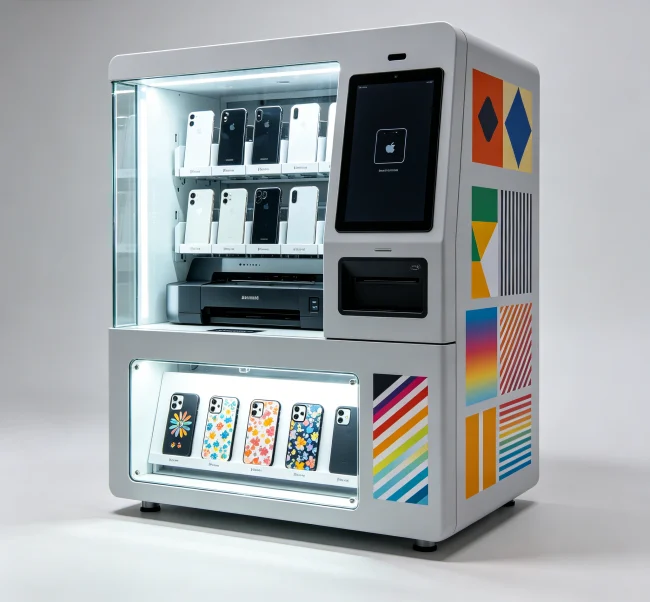
    How to Vet a Supplier: The Checklist

    You wouldn’t buy a car without a test drive, right? Same logic applies here. Here’s your vetting checklist:

  • Ask for a video demo – Not a polished marketing video. A real, unedited demo of the machine printing a case from start to finish.
  • Request references – Talk to at least three existing customers. Ask about reliability, support response times, and any recurring issues.
  • Check their US presence – Do they have a warehouse in the US? A support team in your time zone? This matters more than you think.
  • Get the warranty in writing – What’s covered? What’s not? How do you file a claim?
  • Understand the software – Is it user-friendly? Can customers design their own cases? Is there a mobile app?
  • 💡 Critical Info: If a supplier can’t or won’t provide customer references, walk away. That’s a massive red flag. Reputable companies are happy to connect you with happy customers.

    Financing and Leasing Options
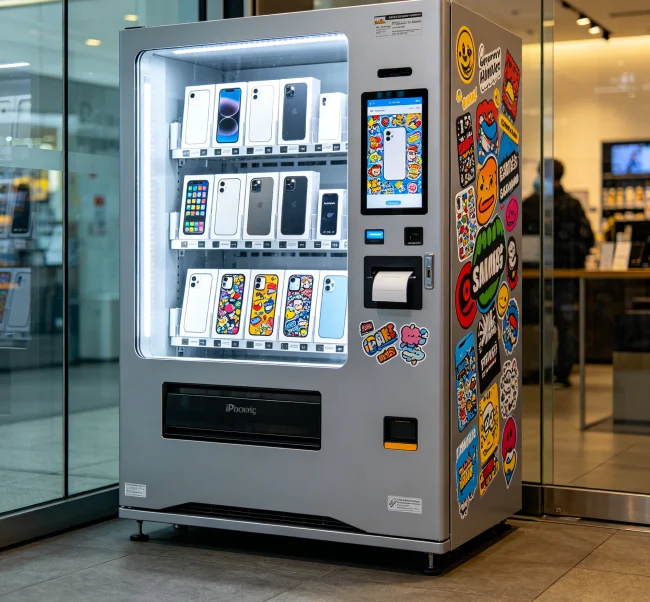
    Financing and Leasing Options

    Not everyone has $15,000 sitting around. Here’s the good news: many suppliers offer financing.

    You’re looking at:

  • Equipment leasing: $300-$600 per month for a 36-48 month term
  • Equipment financing: Similar to a loan, you own the machine after the term
  • Revenue sharing: Some companies will place the machine for free and take a cut of sales
  • Each option has trade-offs. Leasing gives you lower upfront costs but higher total cost. Revenue sharing means you don’t own the asset. Financing is usually the sweet spot if you have decent credit.

    Where NOT to Buy

    Let me save you some pain. Avoid these:

  • Unverified Alibaba sellers – Especially ones with no reviews or very new accounts
  • Facebook Marketplace listings – These are almost always scams or broken machines
  • “Too good to be true” prices – If someone’s selling a “brand new” machine for $3,000, there’s a reason. It’s probably a glorified desktop printer shoved into a box
  • Sellers who can’t provide technical specs – If they don’t know the print resolution or ink type, they don’t know the product
  • 💡 Important Point: The cheapest machine is almost never the best deal. Factor in reliability, support, and consumables costs. A $12,000 machine that runs for years beats a $6,000 machine that breaks every month.

    Making Your Final Decision

    Here’s my honest take. If you’re serious about this business, don’t cheap out. The difference between a machine that works and one that doesn’t can be the difference between a profitable location and a money pit.

    Start by talking to 3-4 suppliers. Get quotes, compare specs, and check those references. If you can, visit a working machine in person—there’s nothing like seeing one operate to understand the workflow.

    And if you want to skip the research phase? VendingCore has been helping US-based entrepreneurs get set up with reliable phone case printing vending machines for years. They offer everything from the hardware to ongoing support and even help with location scouting. Drop them a line if you want the shortcut to getting started the right way.

    FAQ

    Frequently Asked Questions (FAQ)

    A

    Expect to pay between $8,000 and $35,000. The sweet spot for a reliable commercial machine is $12,000 to $20,000. Cheaper machines often have quality issues, while premium models include features like faster printing, better software, and stronger support.

    A

    Yes, many suppliers offer financing or leasing options. Monthly payments typically range from $300 to $600 for a 36-48 month term. Some companies also offer revenue-sharing models where they place the machine for free in exchange for a percentage of sales.

    A

    Yes, you'll need a business license and likely a sales tax permit depending on your state. You may also need a vending machine permit for certain locations like malls or airports. Check with your local city or county clerk's office.

    A

    Margins are solid—you're looking at 50-70% profit per case after materials. If you sell 10 cases a day at $25 each, that's $250 in daily revenue and roughly $150 in profit. Location is everything, though. High-traffic areas can do 20-30 sales daily.

    A

    Focus on the top 10-15 most popular models. That's typically the latest iPhones (15, 16 series) and Samsung Galaxy S series. Add a few cases for Google Pixel and older iPhone models. You can always expand later based on customer demand.

    A

    Most commercial UV printers take 3-5 minutes per case. The total transaction time—customer selecting a design, printing, and finishing—is usually under 10 minutes. Faster machines exist but cost more.

    A

    It depends. US distributors offer local support and may have demo units, but you pay a markup. Direct from manufacturers can save money, but you need to vet them carefully. A good compromise is a manufacturer with a US warehouse and support team, like VendingCore.

    A

    Routine maintenance includes cleaning the print head, replacing ink cartridges, and occasional software updates. Expect to spend 1-2 hours per week on basic upkeep. More complex issues like mechanical repairs may require a technician.

    The phone case vending machine market is still relatively young in the US, which means there's plenty of opportunity for early adopters. But I can't stress this enough—don't treat this like a passive investment. The operators who succeed are the ones who treat their machines like a real business: they maintain them, they market their locations, and they pay attention to what designs sell. The technology is reliable enough now that the main differentiator isn't the machine anymore—it's the operator.

    Michael Torres
    Founder & CEO, VendingCore

    Ready to Start Your Project?

    Contact us for professional advice and customized solutions

    Contact Now

    Asher

    Technical expert in smart vending solutions and IoT-enabled retail automation. Providing in-depth reviews and comparisons to guide businesses toward the best technology choices.

    Leave a Comment

    Your email address will not be published. Required fields are marked *

    Table of Contents
    0%
    VendingCore
    Privacy Overview

    This website uses cookies so that we can provide you with the best user experience possible. Cookie information is stored in your browser and performs functions such as recognising you when you return to our website and helping our team to understand which sections of the website you find most interesting and useful.