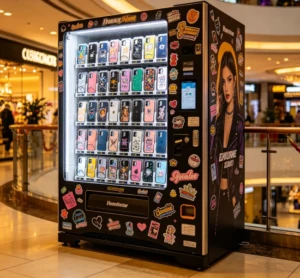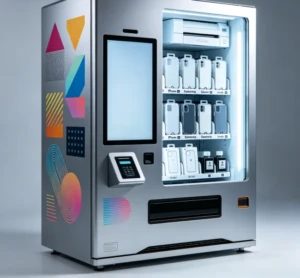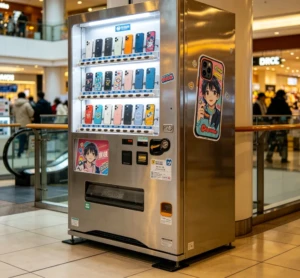
Phone case vending machines for sale typically cost $2,500-$4,000 for pre-filled models and $8,000-$15,000+ for DIY printing kiosks, with profitability heavily dependent on location and machine type.
You're looking at vending machines because you want a smart, automated business, but staring at supplier websites is confusing. Prices are hidden, specs are overwhelming, and you're not sure who to trust. This guide cuts through the noise, giving you clear price ranges, a side-by-side comparison of machine types, and a realistic look at potential profits. We'll show you exactly what to ask suppliers so you can buy with confidence and avoid costly mistakes.
The global market for custom phone accessories is booming, and a phone case vending machine represents a direct, high-margin entry point into this lucrative space. For entrepreneurs and businesses, the decision to purchase one is driven by the promise of passive income, but the path from search to successful installation is filled with critical choices about specifications, suppliers, and business models.
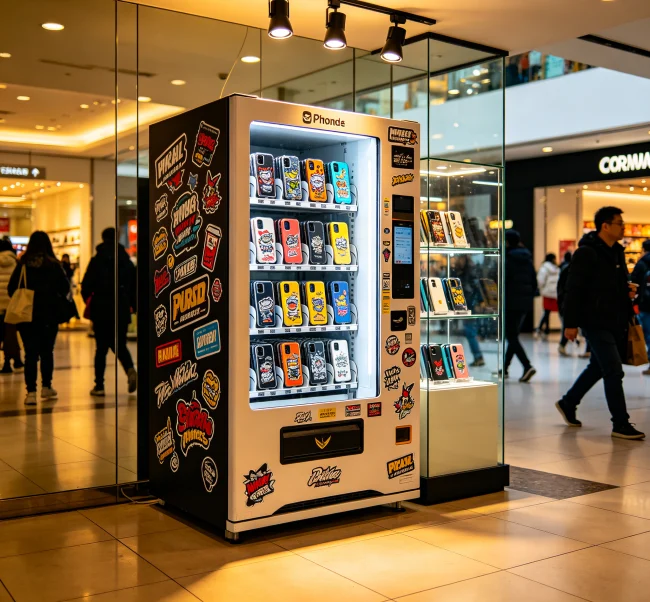
Before you start comparing models or requesting quotes, it’s essential to define your operational strategy. The most fundamental choice is between a DIY printing machine and a pre-filled inventory model. A DIY machine, equipped with an integrated printer, allows customers to select designs or upload photos to create a unique case on the spot. This commands a higher price point (often $15-$30 per case) and attracts customers seeking personalization. A pre-filled machine stocks pre-printed cases, which simplifies operations and reduces the initial machine cost but typically offers lower margins and requires inventory management.
Next, evaluate the payment ecosystem. Modern machines should offer a combination of cashless options—credit/debit card readers, mobile wallets (Apple Pay, Google Pay), and QR code payments—alongside traditional coin and bill acceptors. The software managing this system should provide remote sales tracking and inventory alerts. Don’t overlook the physical requirements: measure your intended location meticulously. You’ll need space for the machine itself, plus clearance for the door to open, and access to a standard power outlet and stable Wi-Fi for the printer and payment terminal.
💡 Define Your Model First: Decide between DIY printing for higher margins or pre-filled for simplicity before researching machines. This choice dictates your budget, location strategy, and target customer.
Understanding Pricing and Specifications
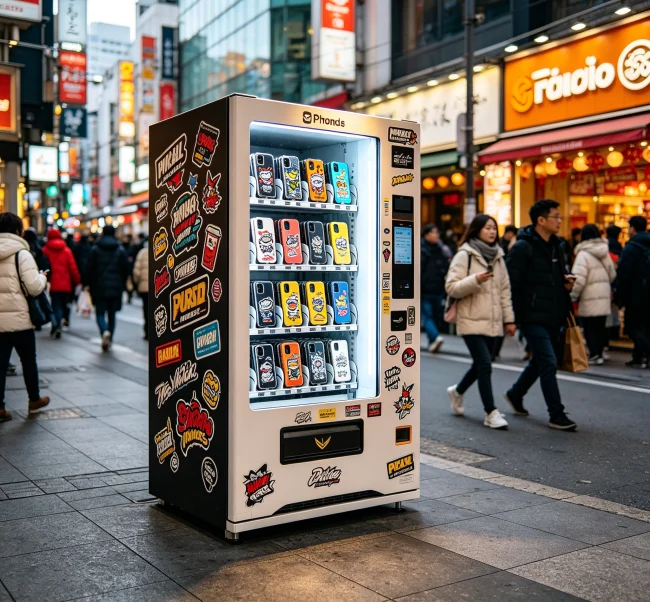
Transparency on cost is a major gap in most supplier listings. A basic, pre-filled phone case vending machine can start from $2,500 to $4,000. A fully-featured DIY printing kiosk with a high-resolution printer, large touchscreen, and dual payment systems typically ranges from $8,000 to $15,000+. Key specifications that influence price include:
On platforms like vendingcore.com, we connect buyers with over 500 pre-vetted manufacturers, allowing for direct price comparisons. This direct-from-factory model often reveals that a machine with similar specs from two different suppliers can have a price variance of 15-25%, highlighting the importance of shopping around.
How to Evaluate Suppliers and Manufacturers
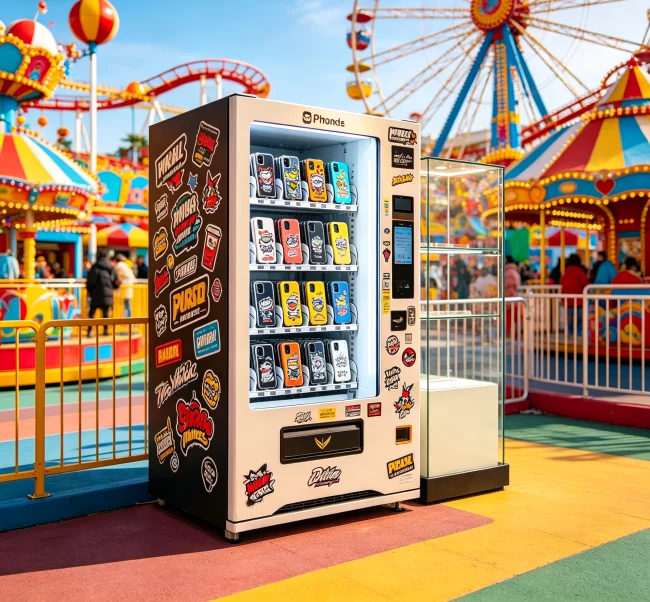
Finding a reliable manufacturer is as important as choosing the right machine. Start by verifying their business credentials and history. How long have they been manufacturing vending equipment? Do they specialize in printing kiosks? Request a video call to see their factory floor or a live demonstration of the machine in operation—this is a powerful trust signal often missing from online listings.
Scrutinize their communication and support structure. Ask specific questions about:
A supplier’s willingness to provide clear, detailed answers to these questions is a strong indicator of their reliability. Our platform’s 98% customer satisfaction rate is built on facilitating these transparent conversations between global buyers and quality-assured suppliers.
💡 Demand a Live Demo: Never buy based on photos alone. Insist on a live video demonstration of the exact model you’re considering. Watch the entire user journey, from payment to printing.
Realistic Profitability and ROI Analysis
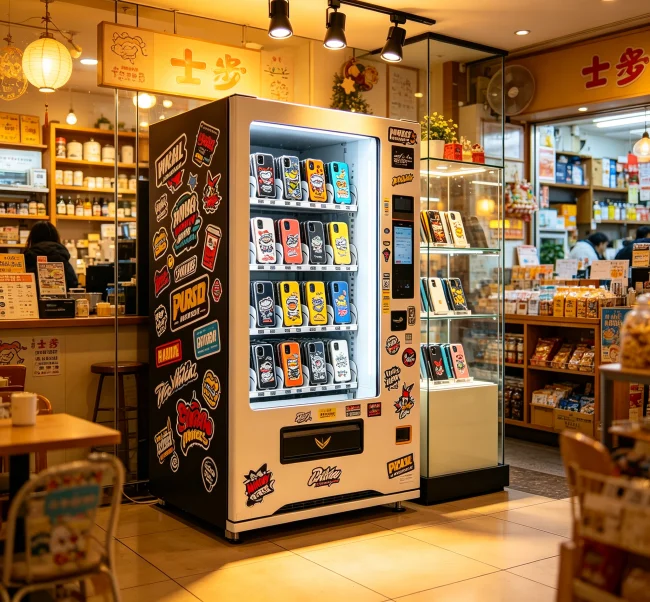
Let’s move beyond vague promises of “high profit.” A realistic financial model is crucial. For a DIY printing kiosk in a good mall location, assume an average sale price of $20 per case. Your direct costs include the blank case ($2-$4) and printing supplies (ink, substrate, ~$1). This gives a gross profit of around $15 per case.
If your machine sells 4 cases per day, that’s $60 in daily gross profit, or about $1,800 per month. From this, subtract fixed costs like the location commission (often 10-20% of sales), monthly wireless service for the payment terminal, and a small reserve for maintenance. A well-placed machine can often generate net monthly profits of $1,200-$1,500. Therefore, a $10,000 machine could achieve a break-even point in 7-9 months. A pre-filled machine in the same spot might have a lower break-even point due to its lower initial cost but also lower ongoing margins.
Side-by-Side Comparison of Machine Types
To make an informed decision, a clear comparison is essential. The table below outlines the core differences.
| Feature | DIY Printing Kiosk | Pre-Filled Inventory Machine |
|---|---|---|
| Core Value | On-demand customization, unique designs | Instant purchase, no wait time |
| Customer Price Point | High ($15 – $30+) | Medium ($10 – $20) |
| Initial Machine Cost | High ($8k – $15k+) | Lower ($2.5k – $6k) |
| Operational Complexity | Higher (printer maintenance, design updates) | Lower (restocking inventory) |
| Ideal Location | High-footfall leisure spots (malls, theaters, tourist areas) | Transport hubs, universities, corporate lobbies |
| Profit Margin | Very High (70-80%) | Good (50-65%) |
Navigating Logistics, Installation, and Support
The journey doesn’t end with payment. Understanding the logistics chain is vital. Most machines are shipped via sea freight in wooden crates. You will be responsible for local freight from the port to your location (drayage) and may need to hire technicians for final assembly if you don’t opt for the supplier’s installation service.
Comprehensive after-sales support is non-negotiable. Ensure your supplier provides:
Suppliers who excel in after-sales support contribute significantly to the 10,000+ successful transactions facilitated through networks like ours, as they ensure the machine remains a revenue generator, not a liability.
💡 Plan for the Total Cost of Ownership: Factor in shipping, import duties, installation, and a 10% contingency fund for unexpected costs. The machine’s price tag is only part of the investment.
Securing a Profitable Location
The single biggest factor in your success is location. A $15,000 machine in a poor location will earn less than a $5,000 machine in a prime spot. Target areas with captive audiences who have time to spare: shopping malls, movie theater lobbies, airports (post-security), university student unions, and large entertainment complexes.
When pitching to a location manager, come prepared with a professional proposal. Highlight the machine’s modern aesthetics, cashless payment options, and how it adds a novel service for their customers. Be ready to negotiate a revenue-sharing agreement, typically offering 10-20% of gross sales. Start with a short-term pilot agreement (3-6 months) to prove the concept before locking into a longer lease.
Essential Maintenance and Troubleshooting
Proactive maintenance prevents downtime. For DIY machines, this means regularly cleaning the printer’s printhead, ensuring you use high-quality blanks to avoid jams, and keeping the ink cartridges and transfer paper stocked. For all machines, regularly empty the cash box and ensure the payment reader’s software is updated.
Common issues include payment reader failures, printer jams, and touchscreen calibration problems. Before calling support, always try a full power cycle (turning the machine off and on). A reliable supplier will have a troubleshooting guide for these common issues. Establishing a relationship with a local technician for hardware issues can also save significant time and money compared to international support dispatches.
💡 Location is Everything: Spend more time securing an amazing location than you do choosing the machine. A medium-quality machine in a fantastic spot will always outperform a fantastic machine in a mediocre spot.
Purchasing a phone case vending machine is a significant step toward building a scalable retail business. Success hinges on aligning your machine choice with a proven location, understanding the full financial model, and partnering with a supplier who offers robust long-term support. By focusing on these strategic elements—rather than just the initial purchase price—you transform a simple transaction into a foundation for sustainable profit.