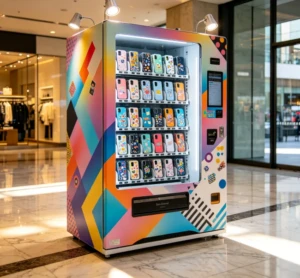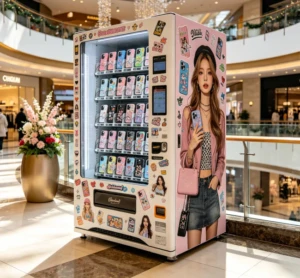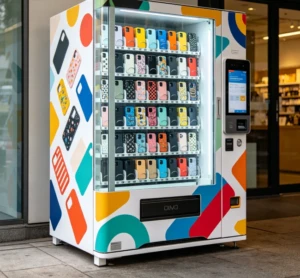
Which company is good for phone case vending machines? Most serious buyers end up between two camps: full UV printing kiosks at $8,000 to $25,000, or desktop-style printers at $3,500 to $7,000, and the right supplier depends on where you’ll operate. Mall operators in Manila and the US drop the bigger kiosks near entrances where foot traffic peaks; solopreneurs start with a desktop unit, blank cases, and a simple ordering flow. Either way, a customer picks a template, the machine prints it in about 90 seconds, and payment clears by card or QR. What separates good suppliers from mediocre ones is rarely the brand on the machine; it’s the print head, the software, and how they respond when something breaks.
Why the business model beats regular vending
A phone case vending machine is two machines in one. It holds the inventory like any vending unit, then prints a custom design on demand. That second part changes the economics completely.
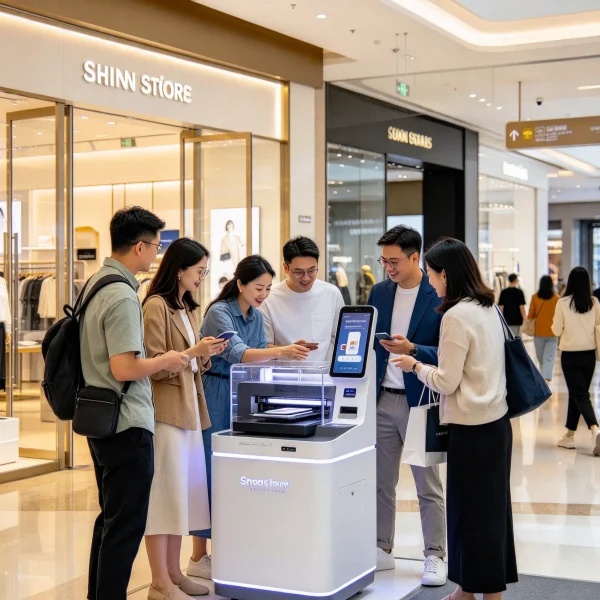
You’re not stocking 40 pre-made cases and hoping the right colors sell; you’re printing the design someone chose in that exact moment. Blank cases cost you $2 to $5 wholesale; a printed one sells for $25 to $40 at tourist spots and mall kiosks. The per-unit margin sits comfortably above 70%, which beats most traditional vending categories. The catch is that those margins only exist if the machine runs every day, and that’s where supplier quality shows up.
Most operators run one of two models. In malls, they split revenue with management, usually 20% to 30% of gross sales, in exchange for a high-traffic spot. In tourist-heavy areas, they pay flat rent and keep everything above the cost of goods. Location choice matters more than machine choice. A solid machine in a dead corner makes less than an average machine near a movie theater exit. The same foot-traffic logic drives other vending niches; the nail vending machine location guide walks through that framework in detail.
Two machine formats, two different supplier conversations
Before you ask which company is trusted, decide which format you’re buying. The two camps solve different problems, so the conversation with each supplier will look entirely different.
| Feature | Full UV printing kiosk | Desktop-style unit |
|---|---|---|
| Price range | $8,000 to $25,000 | $3,500 to $7,000 |
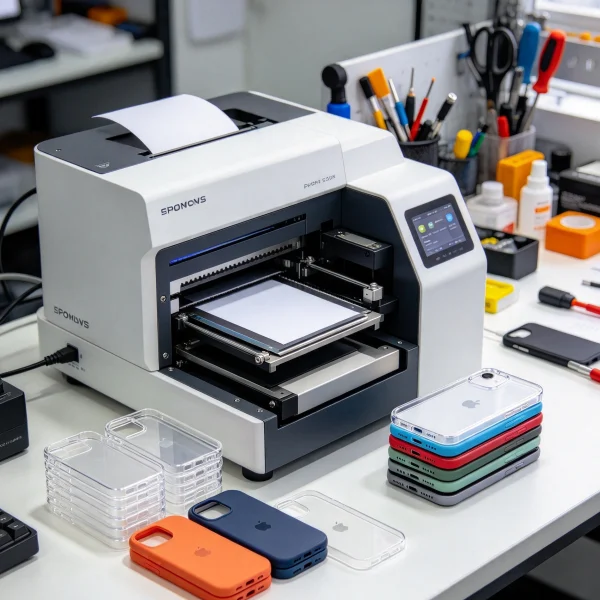
| Floor footprint | Roughly 1.5 x 1.2 m | Fits on a countertop |
| Print time per case | 60 to 90 seconds | 90 to 150 seconds |
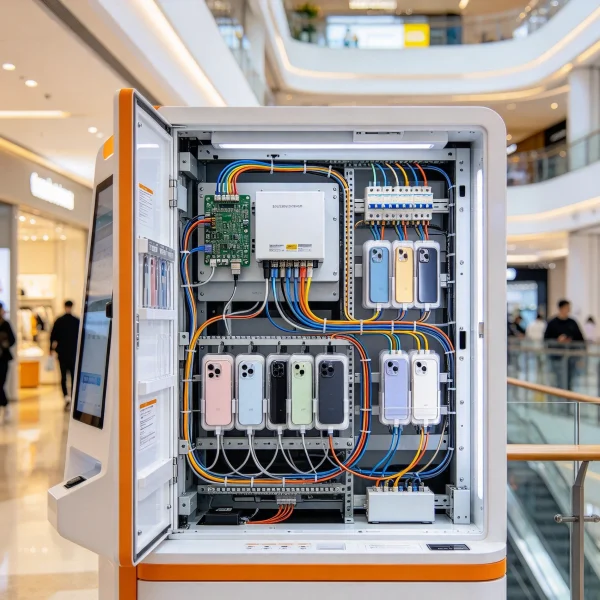
| Best fit | Malls, airports, tourist zones | Startups, events, pop-up booths |
| After-sales need | High; on-site service matters | Moderate; mostly managed remotely |
Here’s the part that surprises most buyers. The smaller desktop units are often the safer first purchase, because they’re cheaper to fix while you’re still learning the maintenance curve. I’ve talked to operators who burned through two full-size kiosks before realizing their foot traffic never justified that investment. If your location is unproven, start small.
What actually separates a dependable supplier
Once you’ve picked a format, supplier quality comes down to four things: the print head, the software, the spare-parts pipeline, and the certifications.
The print head is the heart of the machine. Most 2026-era machines use Epson industrial heads like the i3200 or the older DX5. A genuine i3200 replacement runs $300 to $600 depending on your region, and a DX5 costs more. If a supplier can’t tell you which head is inside and what a replacement costs, they’re probably not the ones building the machine. Get that part number in writing before you negotiate anything else.
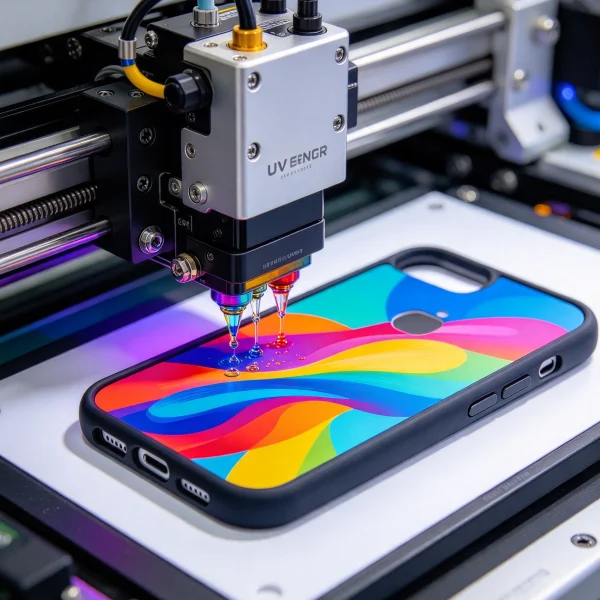
Software matters just as much. The machine is only as good as the design studio customers use. Some suppliers ship a locked-down app with 50 templates; others give you a template builder where you can upload your own artwork and set your own prices. Ask for a remote demo, not a screen recording. If they hesitate, that tells you what their interface is actually like.
Certifications are the boring part that saves your business. Machines headed to North America should carry CE and FCC marks; for Southeast Asian markets, RoHS compliance matters. Certifications aren’t just paperwork. They decide whether customs clears your machine in two days or two weeks.
What it really costs and when you get paid back
Now for the money part, because supplier choice affects your payback more than the machine price tag alone. A $15,000 kiosk with weak after-sales support can sit idle for a month waiting on a part. A $7,000 desktop unit from a supplier who stocks parts locally might keep printing while you sleep.
| Cost item | Typical range |
|---|---|
| Full UV kiosk | $8,000 to $25,000 |
| Desktop-style unit | $3,500 to $7,000 |
| Shipping and customs | $600 to $2,500 |
| First batch of blank cases and consumables | $400 to $800 |
| Monthly consumables | $150 to $300 |
| Location cost | 20% to 30% of gross in malls, or $300 to $800 monthly rent |
On the revenue side, a decent mall spot moves 15 to 30 cases a day at $25 to $35 each. That’s $375 to $900 a day gross at the high end, though most operators tell me the realistic average sits closer to 8 to 15 cases daily outside peak seasons. At that pace, a $12,000 machine with 25% location share pays back in 4 to 8 months if you stay consistent with template updates and design drops. Slow months happen; build your buffer before you order. If you want to see where that money actually flows after the sale, the 2026 maintenance cost breakdown covers typical numbers by machine type.
How to compare suppliers without burning three weeks
The fastest way to shortlist is to stop chasing brand names and start comparing suppliers side by side on paper. On VendingCore’s supplier ranking, you can compare verified suppliers, read buyer reviews, and send inquiries directly, which beats the usual pattern of finding a random manufacturer on a trade site and hoping for the best.
When you do talk to a supplier, ask the same five questions every time:
- Which print head does this machine use, and what’s the genuine replacement cost?
- Can I see a live remote demo of the software behind the customer-facing screen?
- Where are your spare parts stocked, and what’s your typical response time?
- What’s the total delivered cost, including shipping, customs, and packaging?
- Who handles warranty claims, and what does the warranty actually cover?
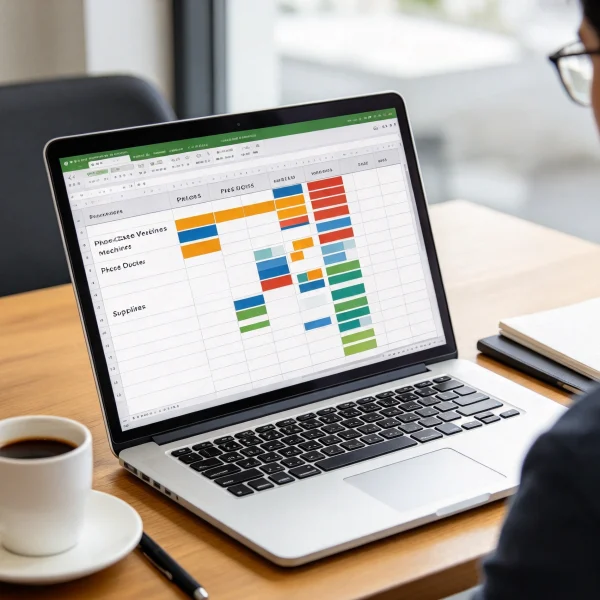
Put the answers in a simple spreadsheet, one column per supplier, and the differences jump out fast. Prices, lead times, and part availability rarely line up with what the sales call suggested.
If you’re planning to operate in the Philippines, the 2026 location and startup guide is worth reading before you commit; the best spot in Cebu will outperform a so-so machine in a wrong spot in Manila. And once you know roughly what you want, the buyer comparison guide walks through how to weigh those supplier answers against each other.
Red flags that should end the conversation
- They can’t name the print head, or they dodge the question entirely.
- Their factory photos look like 3D renders, or reverse image search pulls the same pictures from three different companies.
- They demand full payment before providing a proforma invoice with a detailed part list.
- They promise global support but have no distributor or service partner in your country.
- They quote a machine price but won’t commit to shipping and customs costs in writing.
Most of these red flags surface inside the first email exchange if you ask the right questions. That’s why the inquiry stage is your cheapest quality check.
So, which company is good for phone case vending machines? The one that answers your questions in writing, stocks parts you can actually reach, and sells a machine that fits your location plan rather than their inventory. Start with the format decision, compare verified suppliers on VendingCore’s ranking, and treat your first machine as a learning investment. Get the foot traffic right, and the payback math takes care of itself.
FAQ
Which company is good for phone case vending machines?
There’s no one-size-fits-all answer, and anyone who names a single brand without asking about your location is oversimplifying. The better approach: decide between a full UV kiosk and a desktop-style unit, then compare verified suppliers side by side. Look at price ranges, warranty terms, part availability, and what past buyers actually said. The company that works for you is the one that answers your five questions clearly and stocks parts in your region.
How much does a phone case vending machine cost in 2026?
A desktop-style unit runs $3,500 to $7,000, while a full UV printing kiosk runs $8,000 to $25,000. Shipping and customs add $600 to $2,500 depending on your country. Budget another $400 to $800 for the first batch of blank cases, inks, and consumables. Compare the total delivered cost between suppliers rather than the machine price alone.
How long does it take to pay back the investment?
Most operators I’ve talked to see payback in 4 to 8 months at a decent location, with the range stretching toward 10 months if the spot is mediocre or the machine sits idle. The math depends on daily sales, which depend on foot traffic and how often you refresh designs. If your expected payback runs past 10 months, the location or the machine choice is probably wrong.
What print head should I look for?
The Epson i3200 is the most common choice on 2026 machines, with the older DX5 still appearing on budget units. The i3200 prints faster and replacement parts cost less, but the DX5 has years of field history. What matters more than the brand is that the supplier tells you the exact head, gives you a genuine replacement price, and stocks it somewhere you can reach.
Do I need a supplier with local service?
Ideally, yes. A machine that breaks and waits three weeks for a part loses money every day it sits idle. Suppliers with a local distributor or service partner can usually fix issues within days. If your chosen supplier only offers remote support, budget for a local technician who can handle basic maintenance, and buy spare parts in advance.
Can I start with a desktop-style printer instead of a full kiosk?
Yes, and for many first-time operators it’s the smarter move. You test the market with a smaller footprint, learn the maintenance curve, and upgrade once sales justify it. The trade-off is speed and presentation. A full kiosk draws more attention in a mall, but a desktop unit at an event or pop-up can still produce solid daily numbers.
What certifications should the machine have?
For North America, look for CE and FCC marks. For Southeast Asian markets including the Philippines, RoHS compliance matters for electronics and materials. Certifications don’t guarantee a machine is great, but their absence is a red flag. Ask the supplier to email you the certificates before you pay a deposit, and check the model number matches the one you’re buying.
The machine is the easy part of this business. The hard part is the operating discipline around it: keeping templates fresh, monitoring the print head, and knowing your foot traffic numbers better than the mall does. When buyers ask me which company to use, my first question is always about their location plan, because a good supplier can’t rescue a bad spot, and a great spot can’t rescue a machine with no spare parts nearby.