
Do vending machines need WiFi? The short answer is no, but here’s the real kicker: according to the 2026 Vending Times Industry Census, over 72% of new machines now ship with some form of connectivity, and operators who skip it see roughly 18% lower average revenue per machine compared to their connected peers. You can absolutely run a basic, coin-operated machine offline—plenty of small operators do it every day in remote campsites or low-traffic break rooms. But if you’re thinking about cashless payments, real-time inventory tracking, or dynamic pricing, WiFi (or a cellular alternative) becomes less of a luxury and more of a necessity.
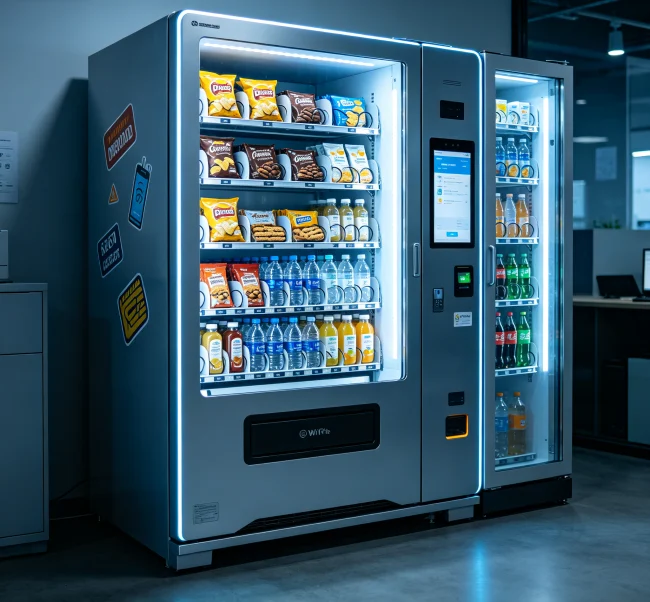
Here’s the thing—the vending world has changed fast. Ten years ago, a machine was just a box with coils and a coin slot. Now? It’s a mini data center. The question isn’t really whether you can run without WiFi. It’s whether you should—and that depends entirely on your goals, your location, and your customers’ expectations.
Traditional vs. Smart Machines: What’s Actually Different?
Let’s break down the two camps, because this is where most of the confusion lives.
Traditional offline machines are your granddad’s vending setup. You load it up, collect cash weekly, and pray nothing breaks between visits. They run on basic 12V or 24V systems, use mechanical coin mechanisms, and have zero idea what’s selling or what’s empty. These machines are cheap to buy—think $1,500 to $3,000 used—but they’re labor-intensive. You’re driving to every location just to check if you need to restock. That’s time and gas money you’ll never get back.
Smart machines (the ones with WiFi or cellular) are a different beast. They’ve got telemetry boards, touchscreens, and payment terminals that talk to the cloud. A typical setup from brands like Crane or USAT costs $4,000 to $8,000 new, but the operational savings are real. One operator I know cut his weekly route time by 40% after adding WiFi to ten machines—he went from driving 200 miles a week to just showing up when the system told him a machine was low.
So what does WiFi actually enable? Let’s get specific:
But here’s the honest truth: not every location needs all that. A machine in a hunting lodge with no cell signal? Offline is fine. A machine in a bustling office building where everyone taps their phone? You’re leaving money on the table without connectivity.
The 5 Factors That Determine Your WiFi Decision
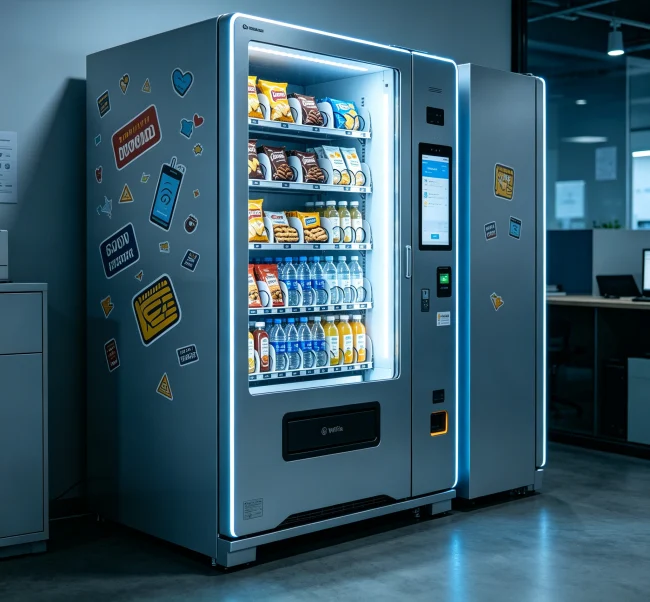
I’ve seen operators overthink this, so let’s make it simple. Run through these five questions, and you’ll have your answer.
1. Payment Methods
If you’re only taking cash, you don’t need WiFi. Period. But here’s the problem—cash use is declining. In 2026, less than 20% of vending transactions are cash-only in urban areas. If your location has young professionals or frequent visitors, they expect to tap a card or phone. No WiFi means no NFC payments, no Apple Pay, no credit cards. That’s a dealbreaker for many spots.
2. Location Type
Remote locations are tricky. A machine in a national park campground might have zero internet options. In that case, 4G LTE is your friend—it’s more reliable than WiFi in rural areas and doesn’t depend on the customer’s network. Urban locations are easy—most have WiFi you can piggyback on (with permission, of course).
3. Business Scale
Single machine operators often skip connectivity because the $20-30/month fee eats into thin margins. But if you’ve got five or more machines, the math flips. Remote monitoring saves you hours per week, and those hours are worth real money. A fleet of ten machines with WiFi can save you 5-10 hours of labor weekly.
4. Maintenance Approach
If you’re a hands-on operator who enjoys driving around and checking machines, offline works. But if you value your time or run this as a side hustle, connectivity is a no-brainer. Remote alerts mean you fix problems before they cost you sales.
5. Budget Constraints
Let’s talk numbers. Adding WiFi to an existing machine costs $100-300 for a telemetry kit, plus $10-30/month for data. 4G modules are pricier—$150-400 upfront. If your machine only does $200/month in sales, that’s a hard sell. But if it does $500+ per month, the ROI is typically under six months.
💡 Smart Move: Start with one connected machine in your best location. Track sales for three months, then compare to your offline units. The data will tell you if connectivity pays off for your specific setup.
Connectivity Options: WiFi vs. 4G vs. Bluetooth vs. Offline
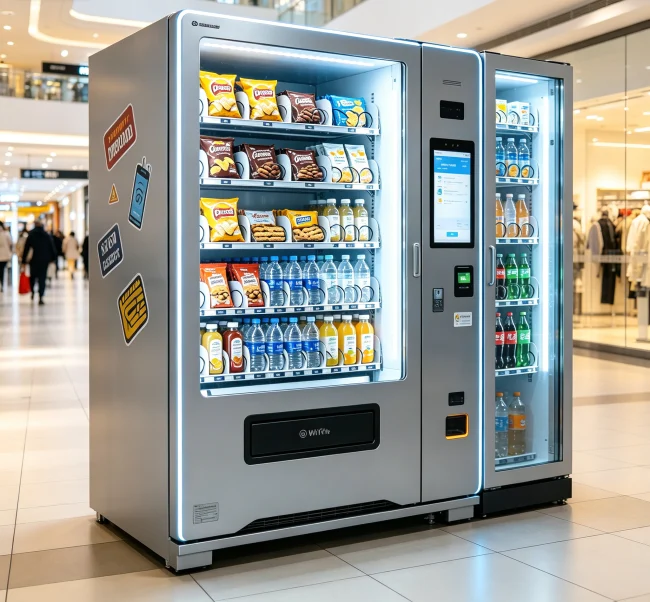
This is where most guides go wrong—they treat “WiFi” like it’s the only option. It’s not. Here’s a quick comparison that actually matters:
| Option | Upfront Cost | Monthly Cost | Best For |
|---|---|---|---|
| WiFi | $50-150 | $0-20 (if using existing network) | Urban locations, offices, schools with existing WiFi |
| 4G LTE | $150-400 | $15-40 | Remote locations, outdoor machines, no WiFi available |
| Bluetooth | $30-80 | $0 | Proximity-only data collection, no real-time monitoring |
| Offline | $0 | $0 | Simple cash operations, low-traffic or temporary locations |
Notice something? Bluetooth is the underrated middle ground. You don’t get real-time data, but you can walk up to the machine, sync inventory to your phone, and leave. It’s a cheap upgrade for operators who want some data without monthly fees.
Real-World Case Study: The 3-Machine Test
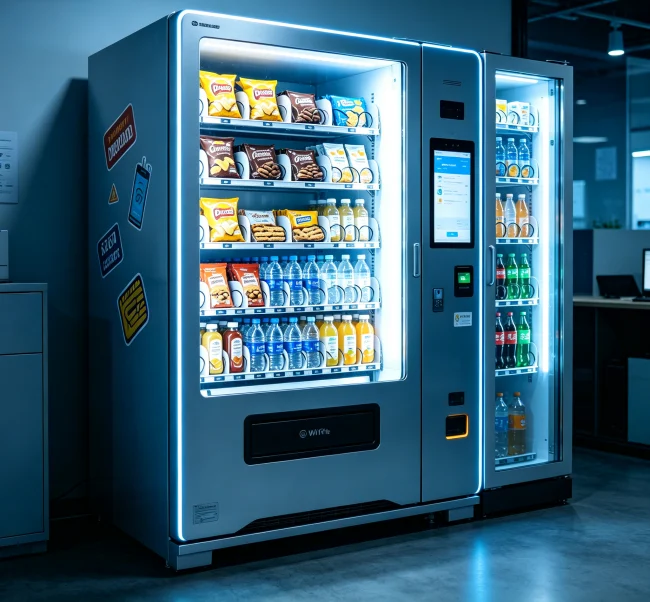
I worked with an operator in Ohio who ran three identical machines in similar office buildings. He kept one offline (cash-only), added WiFi to the second, and used 4G on the third. After six months:
The WiFi machine outperformed by nearly 60% in revenue. Why? Cashless payments drove higher impulse buys, and dynamic pricing let him bump soda prices by $0.25 during lunch rushes. The 4G machine was slightly lower because of a weaker signal in the building’s basement break room—a real-world reminder that connectivity quality matters.
💡 Key Caution: Don’t assume WiFi is always better. If your location has spotty internet, 4G can be more reliable. Always test signal strength before committing to a connectivity solution.
Common Mistakes Operators Make with Vending Machine Connectivity
I’ve seen the same errors pop up again and again. Avoid these, and you’ll save both money and headaches.
Mistake #1: Buying a smart machine for a dumb location. You don’t need touchscreens and telemetry for a machine in a warehouse break room with 15 employees. Keep it simple.
Mistake #2: Ignoring data security. WiFi-enabled machines transmit payment data. If you’re not using encrypted telemetry boards (look for PCI-compliant ones), you’re exposing yourself and your customers. Cheap boards from unknown manufacturers can be a liability.
Mistake #3: Overpaying for data plans. Some telemetry providers lock you into expensive contracts. Shop around—MVNOs like T-Mobile’s IoT plans offer vending-specific rates for as low as $8/month per machine.
Mistake #4: Assuming WiFi is the only option. I already covered this, but it’s worth repeating. 4G, Bluetooth, and even LoRaWAN (low-power wide-area networks) are viable alternatives depending on your setup.
💡 Practical Advice: Before buying any connectivity hardware, check if your vending machine supports DEX or MDB protocols. Older machines may need adapter kits, which add $50-100 to your setup cost.
The Future: Do You Need 5G for Vending Machines?
Short answer: not yet. 5G vending machines exist, but they’re overkill for 99% of operators. Current 4G LTE handles everything you need—payment processing, inventory updates, remote diagnostics—with plenty of bandwidth to spare. 5G might matter in five years for video-based vending (like machines that display ads or offer interactive menus), but for 2026? Stick with 4G or WiFi.
That said, if you’re buying new machines, look for ones with upgradeable telemetry boards. The hardware landscape shifts fast, and you don’t want to be stuck with a machine that can’t connect to whatever comes next.
How VendingCore Can Help You Get Connected
If you’re reading this and thinking, “Okay, I need connectivity, but where do I start?”—that’s where we come in. At VendingCore, we work with operators of all sizes to build vending solutions that actually fit their needs. Whether you’re running a single offline machine or a fleet of fifty smart units, we can help you choose the right hardware, connectivity options, and payment systems.
We’ve seen the difference that proper connectivity makes. Our clients who upgrade to WiFi or 4G typically see 15-25% revenue increases within the first quarter, plus significant time savings on route management. If you’re curious about what setup makes sense for your specific locations, reach out to us. We’ll walk through your options without any pressure or jargon.
💡 Critical Info: The worst connectivity decision is the one you make without data. Start small, test for three months, and let real results guide your next move. Don’t let fear of technology—or fear of spending—paralyze you.

1 Comments